How to choose real estate in the esignature value calculator in DocuSign
Here is how to choose real estate in the esignature value calculator in docusign
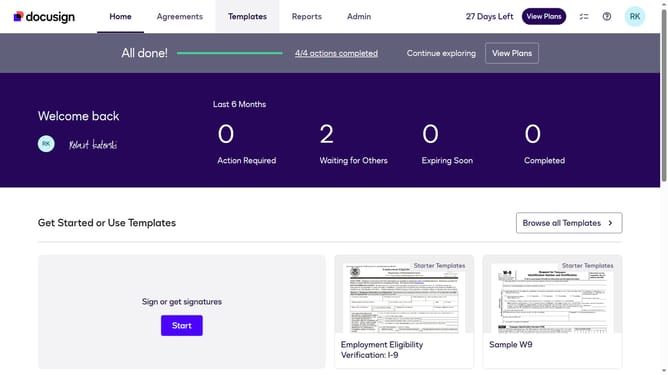
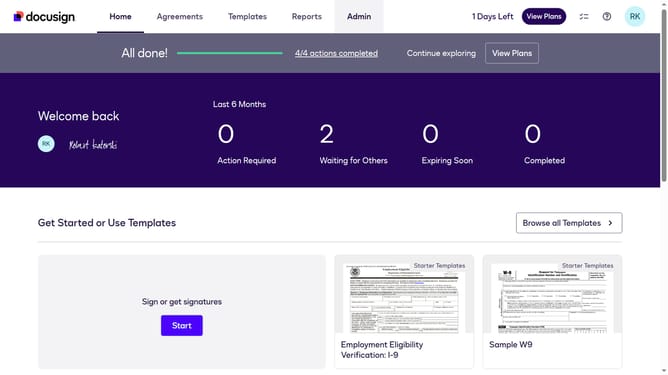
- First click on the "Admin" link in the top navigation menu
- Then click on the "Value Calculator" link in the left sidebar under the ACCOUNT section
- Next click on the "All Industries" dropdown menu under the Select Industry section and select "Real Estate" from the option
- Finally scroll down the page to view the updated benchmark data
Why should you choose real estate in the esignature value calculator in DocuSign
DocuSign streamlines agreements for faster, paperless transactions.
The esignature value calculator in DocuSign helps pinpoint the real estate that offers the highest strategic benefit.
By understanding the unique value of each property, users can make informed decisions quickly, minimizing risks.
This feature ensures users efficiently allocate resources, enhancing profitability.
Last update