How to share a template to folders in DocuSign
Here is how to share a template to folders in docusign
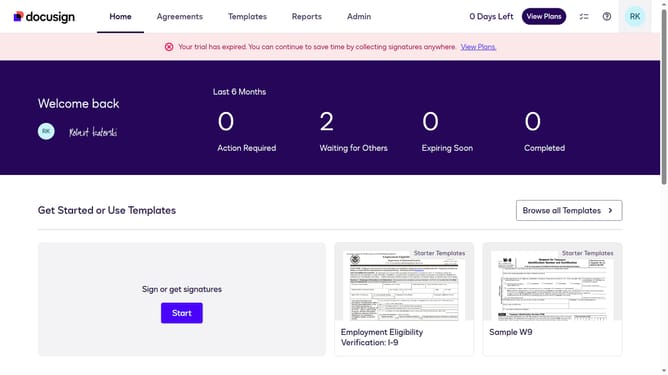
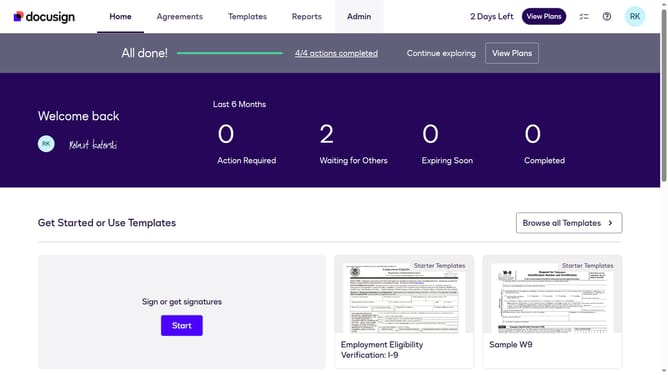
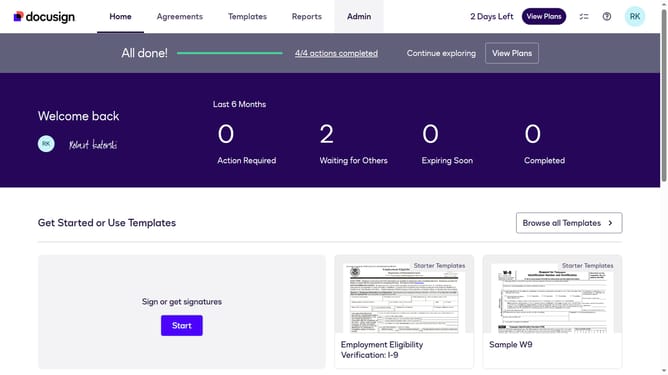
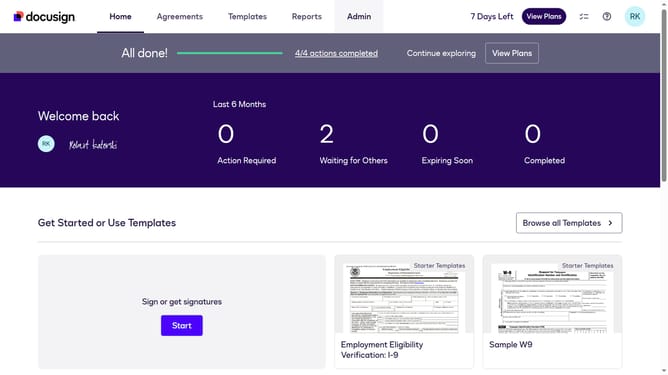
- First click on the "Templates" tab in the top navigation menu
- Then use the scroll bar to scroll to the right
- Next click on the three-dot menu button next to the template you want to share
- Then click on the "Share to Folders" option from the dropdown menu
- Next, click the folder where you want to share your template in the Share to Folders dialog
- Finally click on the "Share" button to confirm sharing the template to the selected folder
Why should you share a template to folders in DocuSign
DocuSign revolutionizes the way documents are managed and signed digitally, making workflow seamless and efficient.
Sharing a template to folders in DocuSign enhances collaboration by allowing team members to access and utilize templates effortlessly.
This feature streamlines document management by organizing templates in designated folders, ensuring that the right people can find and use them when needed.
By sharing templates, you promote consistency and save time, enabling swift and uniform document processing across your organization.
Last update