How to stop triggering events when a DocuSign Click agreement is declined in DocuSign
Here is how to stop triggering events when a docusign click agreement is declined in docusign
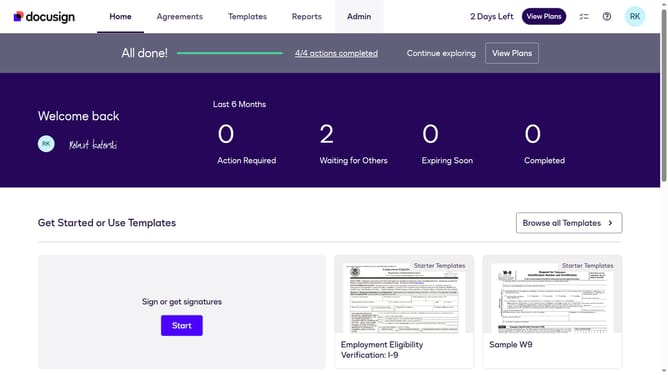
- First click on the "Admin" link in the top navigation menu
- Then scroll down the page to view additional admin options
- Next click on the "Connect" link in the left sidebar under the INTEGRATIONS section
- Then click on the "Actions" dropdown button next to a custom configuration in the configurations table
- Next select the "Edit" option from the Actions dropdown menu
- Then scroll down the page to view the Trigger Events section
- Next click on the "Docusign Click" dropdown button to expand it
- Then uncheck the "Click Declined" checkbox to disable this trigger event
- Next scroll down to view additional configuration options and the save button
- Finally click on the "Save Configuration" button to save the changes
Why should you stop triggering events when a DocuSign Click agreement is declined in DocuSign
DocuSign revolutionizes the way agreements are sent and signed electronically, enhancing workflow efficiency.
An invaluable feature of DocuSign Click is its ability to prevent triggering events when an agreement is declined. By using this feature, businesses can maintain smoother operations without unnecessary interruptions, ensuring only positive actions warrant follow-ups.
This clever control enhances user experience by focusing on affirmations, streamlining processes, and maximizing productivity. Avoiding unnecessary triggers also fosters a more responsive system that reflects true engagement levels.
Last update