How to include documents in webhook payloads in DocuSign
Here is how to include documents in webhook payloads in docusign
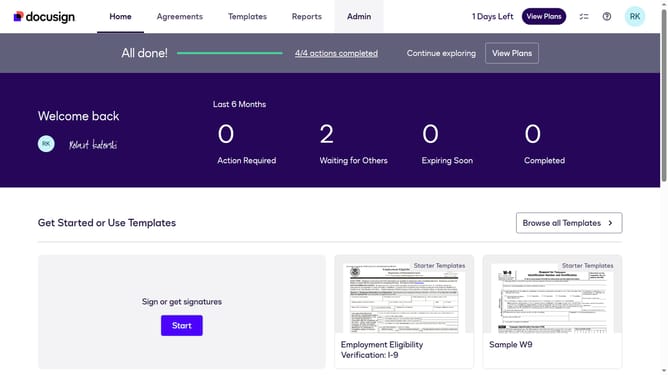
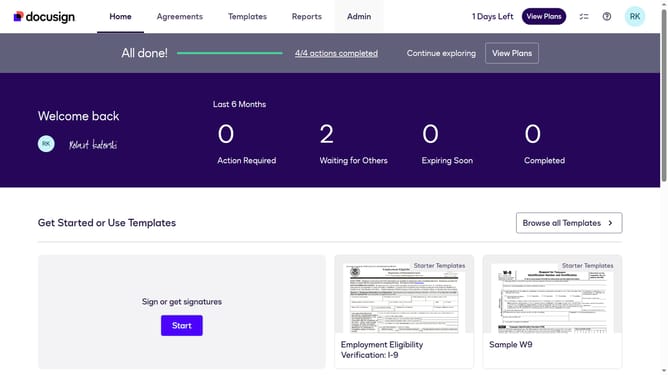
- First click on the "Admin" link in the top navigation menu
- Then scroll down the page to view additional content in the Admin section
- Next click on the "Connect" option in the left sidebar under the INTEGRATIONS section
- Then click on the "Actions" dropdown button next to a custom configuration in the configurations table
- Next select the "Edit" option from the Actions dropdown menu
- Then scroll down the page to view the Trigger Events section
- Next click on the "Envelope and Recipients" dropdown to expand the trigger events
- Then click on the "Include Data" dropdown to expand data inclusion options
- Next click on the "Documents" checkbox to enable document data in the payload
- Then scroll down to the bottom of the configuration page
- Finally click on the "Save Configuration" button to save the changes
Why should you include documents in webhook payloads in DocuSign
DocuSign is a leading digital transaction platform that enables secure and efficient electronic agreements.
Including documents in webhook payloads enhances automation by allowing real-time updates with actual documents upon signing or status change.
This feature minimizes manual intervention and streamlines workflows, as all necessary documents are automatically transferred.
It increases efficiency and reduces the likelihood of errors, ensuring your processes remain smooth and consistently reliable.
Last update