How to change the watermark orientation to vertical in DocuSign
Here is how to change the watermark orientation to vertical in docusign
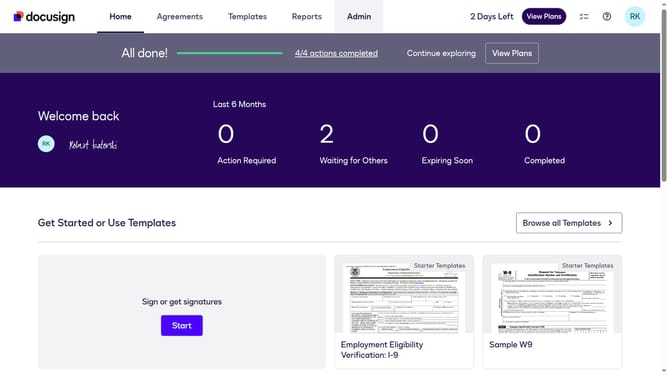
- First click on the "Admin" link in the top navigation menu
- Then scroll down the page to view additional options
- Next click on "Signing Settings" in the left sidebar under the "SIGNING AND SENDING" section
- Then click on the "Watermark Configuration" tab in the Signing Experience section
- Next click on the "Choose an orientation of the watermark" dropdown and select "Vertical"
- Then scroll down the page to view the save button
- Finally click on the "Save Changes" button to apply the watermark settings
Why should you change the watermark orientation to vertical in DocuSign
DocuSign is a powerful tool that streamlines the signing process, making digital document signing easier and more efficient.
Among its versatile features, DocuSign allows users to change the watermark orientation to vertical. This customization enhances the visual appeal and branding consistency across documents.
Choosing vertical watermark orientation adds a professional touch, capturing attention while maximizing document space, thus maintaining a clean and organized look.
Last update