How to allow users to forward completed envelopes in DocuSign
Here is how to allow users to forward completed envelopes in docusign
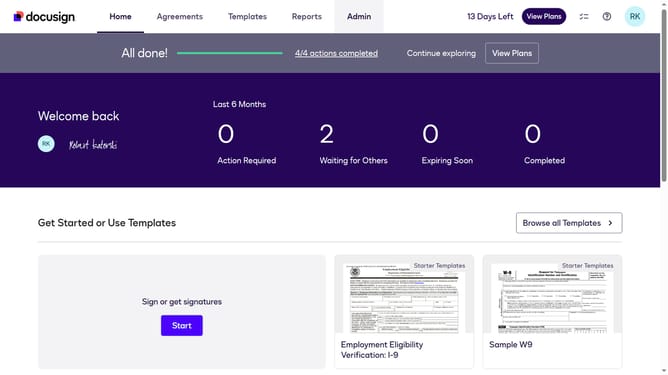
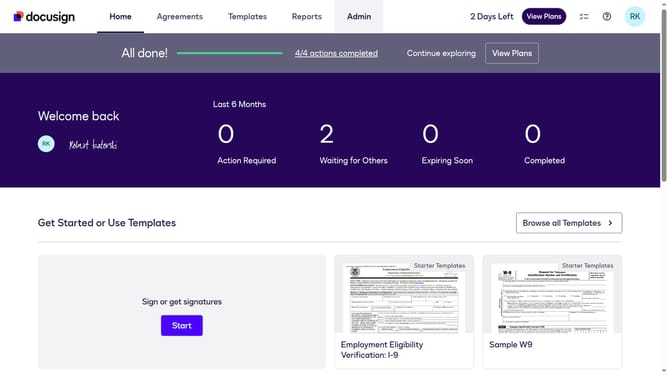
- First click on the "Admin" link in the top navigation menu
- Then scroll down the page to view more options in the admin panel
- Next click on the "Sending Settings" link in the left sidebar under the "SIGNING AND SENDING" section
- Then scroll down the page to view additional sending settings options
- Next uncheck the checkbox labeled "Prevent users from forwarding completed envelopes" to disable this setting
- Then scroll down the page to view more configuration options and the save button
- Finally click on the "Save Changes" button to apply the updated sending settings
Why should you allow users to forward completed envelopes in DocuSign
DocuSign is a powerful tool that revolutionizes digital transactions through seamless electronic signature technology.
One of its standout features allows users to forward completed envelopes, enhancing collaboration and flexibility. This capability ensures that all relevant parties are promptly informed and can access finalized documents with ease.
By enabling this functionality, you increase the efficiency of your workflow, minimize delays, and improve overall communication within your team. This feature supports smarter document management and enhances productivity effortlessly.
Last update