How to disable field assist for senders in DocuSign
Here is how to disable field assist for senders in docusign
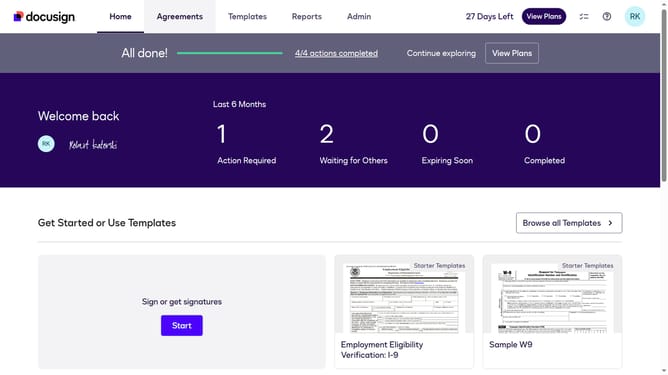
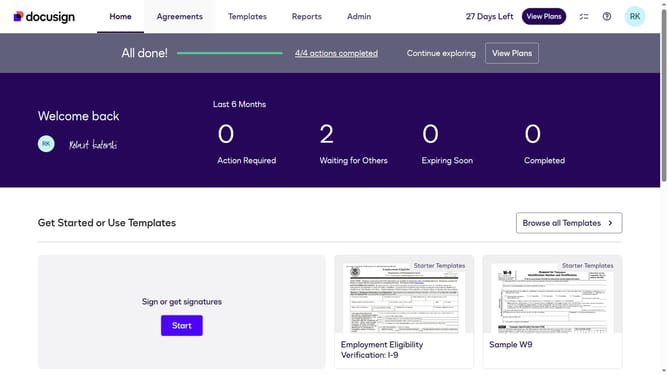
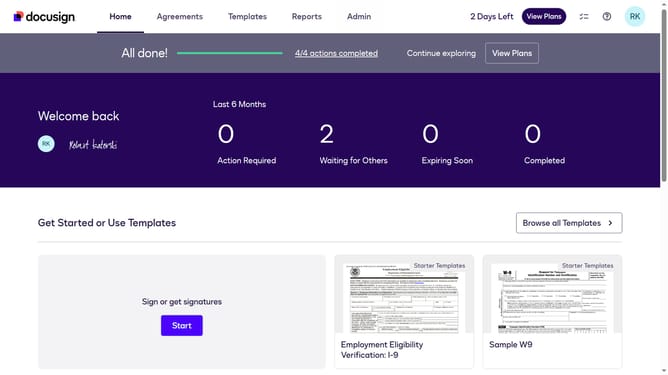
- First click on the "Admin" link in the top navigation menu
- Then scroll down the page to view more options in the sidebar
- Next click on "Sending Settings" in the left sidebar under the "SIGNING AND SENDING" section
- Then click on the "Enable field assist for senders" checkbox to uncheck it
- Scroll down the page to view additional settings and options
- Finally click on the "Save Changes" button to apply the changes
Why should you disable field assist for senders in DocuSign
DocuSign is a leading electronic signature platform designed to streamline digital agreements and transactions efficiently.
Disabling field assist for senders in DocuSign can enhance the sending process by allowing more control over document management. Without field assist, senders have the flexibility to customize fields without automatic suggestions interfering. This can lead to a cleaner document setup and minimizes the clutter during preparation.
By disabling this feature, users benefit from a tailored signing experience that caters to specific business needs, ensuring their documents align perfectly with their intentions.
Last update