How to enable SMS opt-out trigger events in DocuSign
Here is how to enable sms opt-out trigger events in docusign
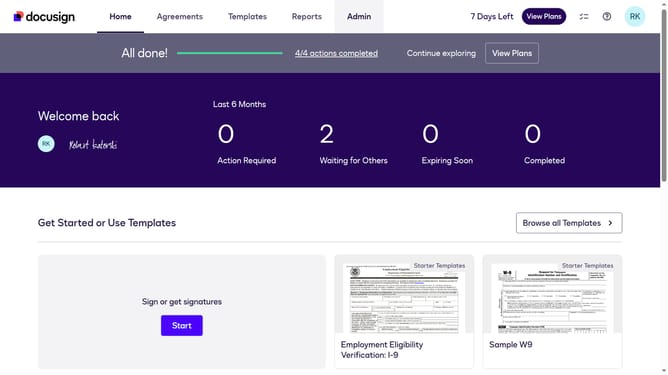
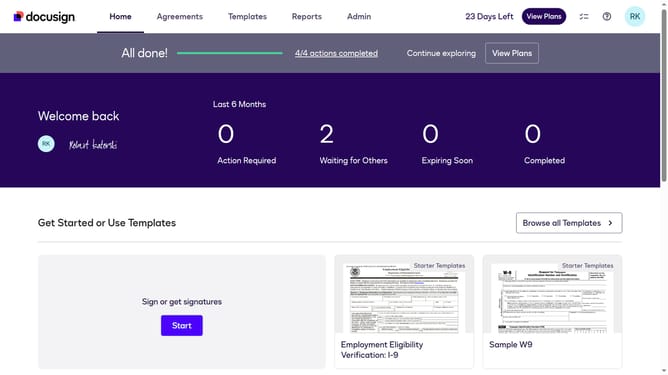
- First click on the "Admin" link in the top navigation menu
- Then scroll down the page to view additional content in the admin section
- Next click on the "Connect" option in the left sidebar under the INTEGRATIONS section
- Then click on the "Actions" dropdown button next to a custom configuration in the configurations table
- Next select the "Edit" option from the Actions dropdown menu
- Then scroll down the page to view the Trigger Events section
- Next click on the "SMS Delivery" section to expand it and view SMS delivery options
- Then click on the "SMS Opt Out" checkbox to enable SMS opt-out functionality
- Next scroll down to the bottom of the page to view the save options
- Finally click on the "Save Configuration" button to save the changes
Why should you enable SMS opt-out trigger events in DocuSign
DocuSign is a leading platform designed to streamline the process of digital agreement and signature management.
Enabling SMS opt-out trigger events in DocuSign enhances communication flexibility by giving recipients the option to easily unsubscribe from SMS notifications. This feature ensures that users maintain control over their communication preferences, fostering a sense of privacy and respect.
Opting out of SMS notifications can increase user satisfaction by reducing unwanted messages, thus contributing to a more personalized and efficient user experience within the DocuSign ecosystem.
Last update