How to show the name column under the users section in DocuSign
Here is how to show the name column under the users section in docusign
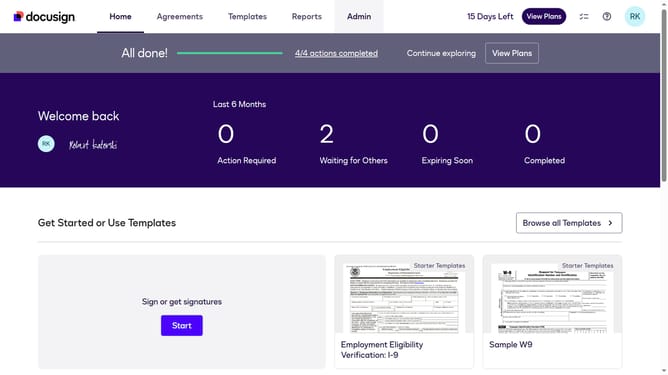
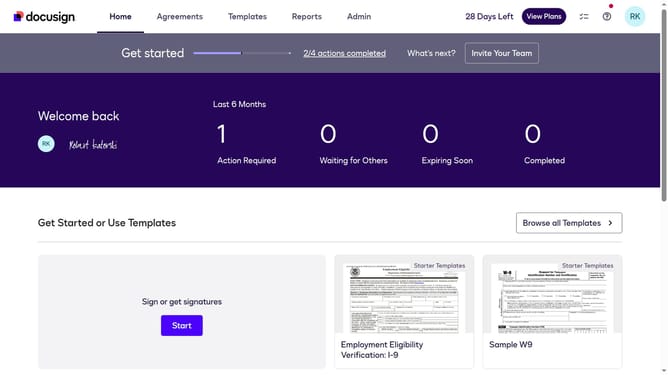
- First click on the "Admin" link in the top navigation menu
- Then scroll down to view more options
- Next click on the "Users" option in the left sidebar under "USERS AND GROUPS" section
- Then click on the settings icon in the top right corner of the Users page
- Next click on the "Name" checkbox in the "Show/Hide Columns" dialog
- Finally click on the "Apply" button to confirm the column visibility changes
Why should you show the name column under the users section in DocuSign
DocuSign is the leading eSignature solution that enables secure, electronic transactions worldwide.
Having the name column visible under the users section in DocuSign significantly enhances user management by offering a direct and straightforward view of all user identities associated with your account.
This feature streamlines administrative tasks, making it easier to identify and manage users effortlessly. It ensures that accessing information is quick and seamless, contributing to an efficient workflow and organizational transparency.
Overall, this capability supports robust account oversight and effective collaboration.
Last update