How to disable sender notification when a signer’s offline signature fails to sync for an API user in DocuSign
Here is how to disable sender notification when a signer’s offline signature fails to sync for an api user in docusign
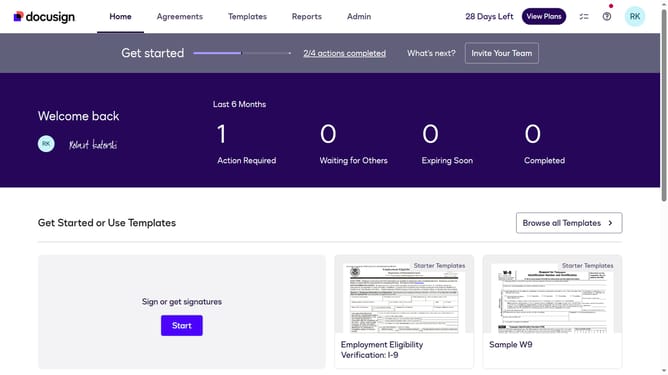
- First click on the "Admin" link in the top navigation menu
- Then scroll down the page to view additional content in the sidebar
- Next click on the "Email Preferences" link in the left sidebar under the "SIGNING AND SENDING" section
- Then click on the "API User" tab to switch to API user email preferences
- Next scroll down the page to view more notification options
- Then uncheck the checkbox for "A signer's offline signature fails to synchronize" to disable this notification
- Finally click on the "Save Changes" button to save the updated email preferences
Why should you disable sender notification when a signer’s offline signature fails to sync for an API user in DocuSign
DocuSign is a trusted platform that streamlines the process of electronic signatures, ensuring secure and efficient document management.
For API users who want to maintain focus and reduce notification overload, disabling the sender notification when a signer’s offline signature fails to sync is a valuable feature. This flexibility allows users to prioritize tasks without unnecessary interruptions.
By managing notifications effectively, users can optimize their workflow, leading to increased productivity and a more seamless experience within the DocuSign environment.
Last update