How to enable envelope edit or recipient update notifications for an API user in DocuSign
Here is how to enable envelope edit or recipient update notifications for an api user in docusign
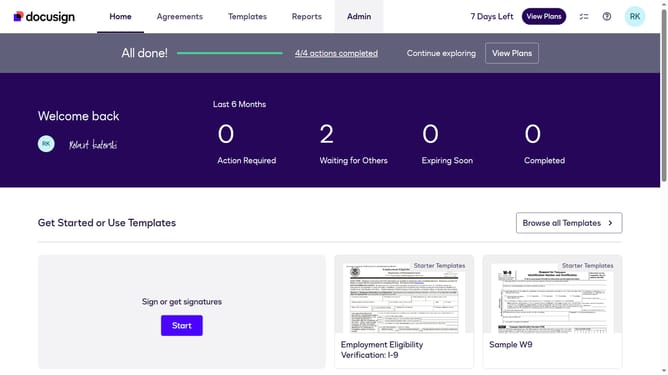
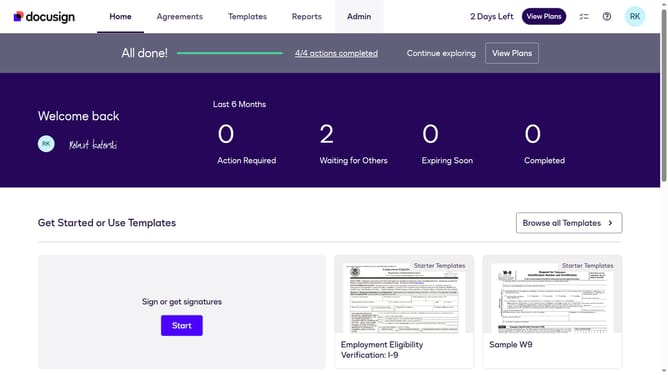
- First click on the "Admin" tab in the top navigation menu
- Then scroll down the page to view more content in the main area
- Next click on "Email Preferences" in the left sidebar under the "SIGNING AND SENDING" section
- Then click on the "API User" tab in the main content area
- Next scroll down the page to view additional email preference options
- Then click on the checkbox for "I can edit an envelope, or specify or update recipient information" to enable this notification
- Continue scrolling down the page to view more email preference settings
- Finally click on the "Save Changes" button at the bottom of the page to save the updated email preferences
Why should you enable envelope edit or recipient update notifications for an API user in DocuSign
DocuSign is a leading solution for managing digital transactions and electronic signatures seamlessly.
Enabling envelope edit or recipient update notifications for an API user in DocuSign enhances real-time tracking and management of documents, ensuring you stay informed of key changes.
This feature is particularly beneficial for improving workflow efficiency by alerting users to any changes, thus reducing delays and improving collaboration.
Stay updated automatically, allowing for timely responses and adjustments, ultimately enhancing productivity and reliability within your operations.
Last update