How to add a DocuSign frame to the signature field in DocuSign
Here is how to add a docusign frame to the signature field in docusign
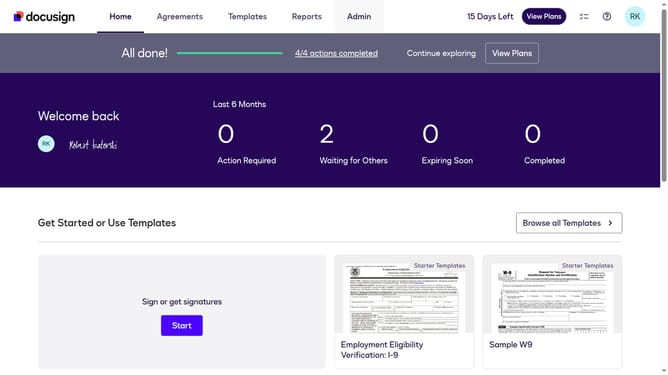
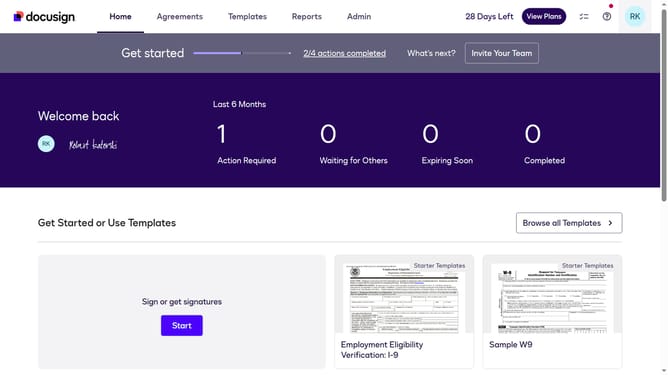
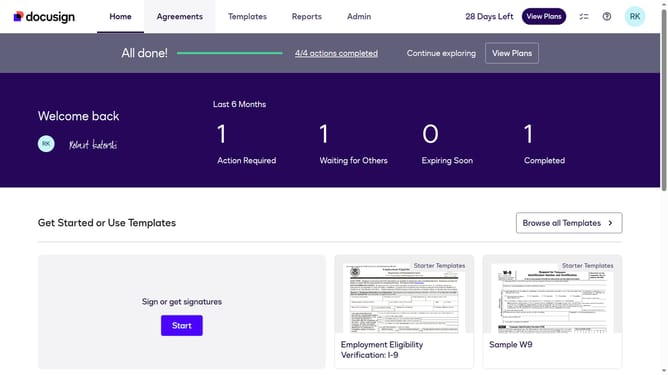
- First click on the "Admin" link in the top navigation menu
- Then scroll down to view more options
- Next click on "Signing Settings" in the left sidebar under the "SIGNING AND SENDING" section
- Then scroll down to the "Signature" section
- Next click the radio button next to the "Add Docusign frame" option
- Then scroll down further to the bottom of the page
- Finally click on the "Save Changes" button to apply the signature settings
Why should you add a DocuSign frame to the signature field in DocuSign
DocuSign is your digital solution for managing agreements efficiently and securely.
Enhancing your documents with a DocuSign frame on the signature field makes your agreements more visually appealing and professional. This feature is not only about aesthetics; it subtly guides signers, drawing their attention to where their signature is required.
By adding a frame, you ensure that the signing process is intuitive and seamless, reducing errors and increasing the chances of a quick completion. This small enhancement can significantly streamline document management, offering a polished and customized touch to your digital agreements.
Last update