How to clear API logs in DocuSign
Here is how to clear api logs in docusign
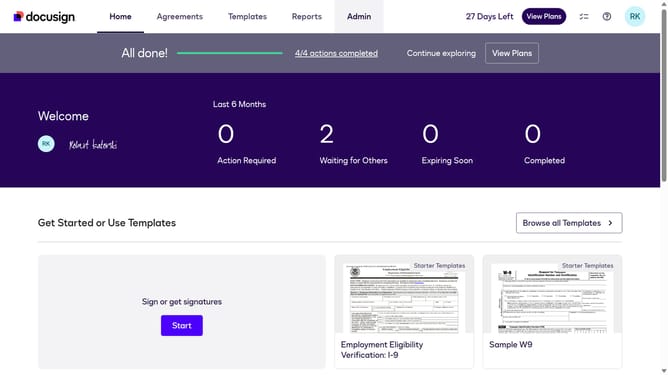
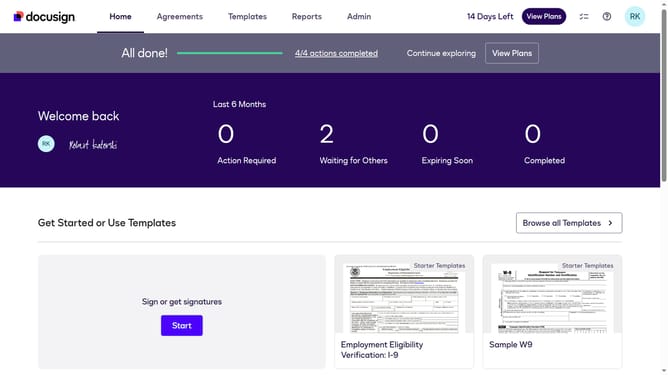
- First click on a profile icon in the top right corner of the header
- Then click on "My Preferences" option in the dropdown menu
- Scroll down in the General settings menu
- Finally click the clear logs option under the API Request Log section
Why should you clear API logs in DocuSign
DocuSign is a leading platform for managing electronic agreements, ensuring that signing documents is simple and secure.
Clearing API logs in DocuSign is a straightforward feature that helps maintain a tidy and efficient workflow.
By regularly clearing these logs, you can optimize performance and ensure that your system runs smoothly without unnecessary data clutter.
This practice not only enhances system efficiency but also contributes to data security, making it a valuable task for maintaining robust API management.
Last update