How to allow recipients to sign on a mobile device in DocuSign
Here is how to allow recipients to sign on a mobile device in docusign
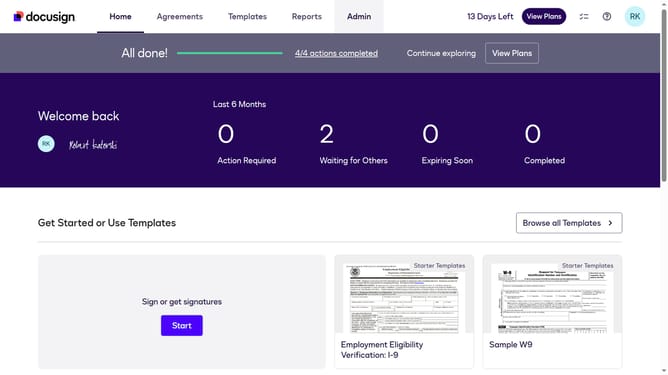
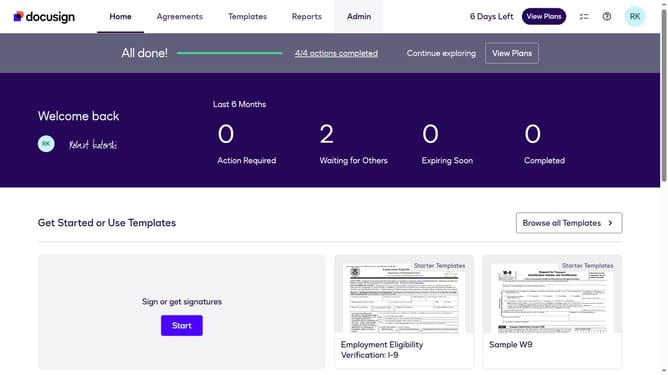
- First click on the "Admin" tab in the top navigation menu
- Then scroll down the page to view more admin settings
- Next click on "Signing Settings" in the left sidebar under the "SIGNING AND SENDING" section
- Then scroll down the page to view additional signing options
- Next click on the checkbox labeled "Allow recipients to sign on a mobile device" to enable it
- Then scroll down to the bottom of the page to view the save button
- Finally click on the "Save Changes" button to apply the settings
Why should you allow recipients to sign on a mobile device in DocuSign
DocuSign is a top-tier electronic signature solution designed to streamline the signing process for businesses and individuals alike.
One of its standout features is enabling recipients to sign documents directly on their mobile devices. This functionality offers incredible flexibility, allowing users to sign important documents anytime, anywhere, without being tethered to a desktop.
This feature saves time and enhances productivity, making it ideal for busy professionals who need to keep business moving, even while on the go.
By facilitating mobile signatures, DocuSign helps eliminate delays, ensuring quicker turnaround times and enhancing document security.
Last update