How to disable trigger events when a notary session signer is locked in DocuSign
Here is how to disable trigger events when a notary session signer is locked in docusign
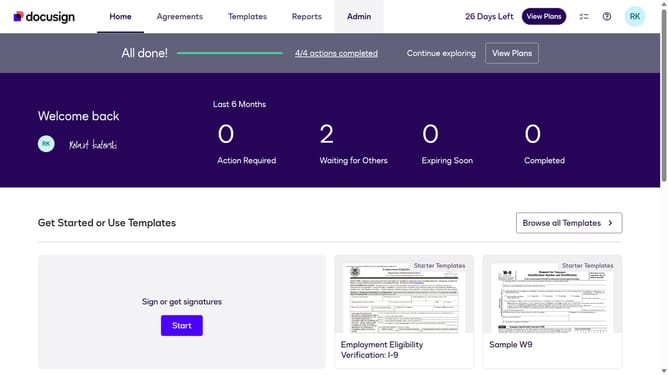
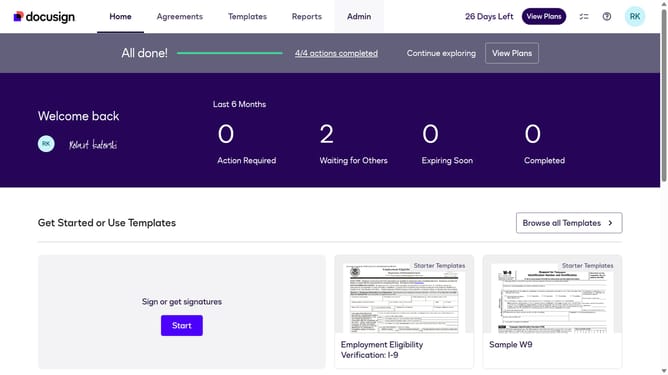
- First click on the "Admin" tab in the top navigation menu
- Then scroll down the page to view more content in the Admin section
- Next click on the "Connect" option in the left sidebar under the INTEGRATIONS section
- Then click on the "Actions" dropdown button next to a custom configuration in the configurations table
- Next select the "Edit" option from the Actions dropdown menu
- Then scroll down the page to view additional configuration settings
- Next click on the "Notary" section dropdown to expand the notary event options
- Then uncheck the "Notary Session Signer Locked" checkbox to disable this notification
- Next scroll down to the bottom of the page to view the save button
- Finally click on the "Save Configuration" button to save the changes
Why should you disable trigger events when a notary session signer is locked in DocuSign
DocuSign is a leading platform for electronic signature and agreement management, enabling seamless digital transactions.
Disabling trigger events when a notary session signer is locked in DocuSign enhances the security and control over the notarization process.
This feature ensures that no unintended actions or notifications disrupt ongoing sessions, maintaining the integrity and focus required for completing official documents.
With heightened control, users can prevent errors and ensure smooth operations, providing confidence and reliability in critical signing processes.
Last update