How to disable signers from adding multiple attachments per field in DocuSign
Here is how to disable signers from adding multiple attachments per field in docusign
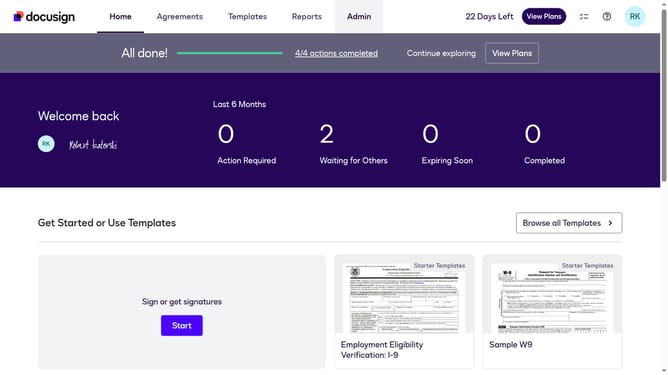
- First click on the "Admin" tab in the top navigation menu
- Then scroll down the page to view more admin settings options
- Next click on "Sending Settings" in the left sidebar under the "SIGNING AND SENDING" section
- Then click on the checkbox to enable "Enable signer attachment field"
- Next uncheck the checkbox to of "Allow signers to add multiple attachments per field" option to disable it
- Then scroll down the page to view additional settings and the save button
- Finally click on the "Save Changes" button to apply the configuration changes
Why should you disable signers from adding multiple attachments per field in DocuSign
DocuSign streamlines the digital document signing process, making it efficient and secure for businesses and individuals alike.
The feature to disable signers from adding multiple attachments per field is crucial for maintaining document integrity and avoiding clutter.
By limiting attachments, you ensure that all necessary information is concise and relevant, reducing the potential for errors.
This feature enhances efficiency and ensures the document review process remains straightforward and efficient for all parties involved.
Last update