How to enable all sender comment notifications for an API user in DocuSign
Here is how to enable all sender comment notifications for an api user in docusign
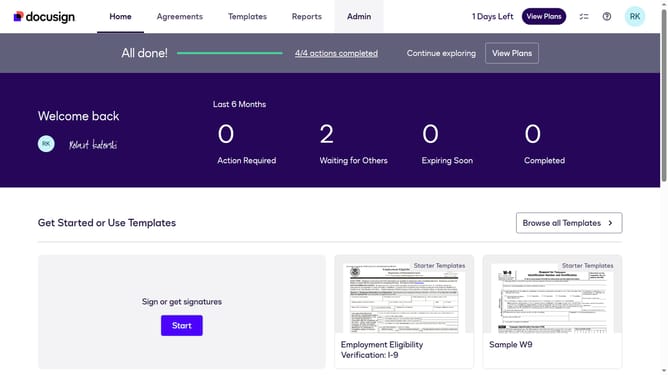
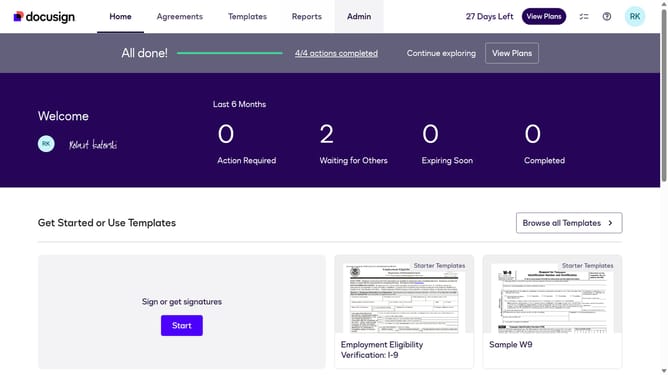
- First click on the "Admin" link in the top navigation menu
- Then scroll down the page to view more options in the admin section
- Next click on "Email Preferences" in the left sidebar under the "SIGNING AND SENDING" section
- Then click on the "API User" tab to switch to API user email preferences
- Next scroll down the page to view more email notification options for API users
- Then click on the radio button for "all comments"
- Finally click on the "Save Changes" button to save the email preference settings
Why should you enable all sender comment notifications for an API user in DocuSign
DocuSign is an innovative platform designed to simplify electronic agreements and transactions.
By enabling all sender comment notifications for an API user in DocuSign, you empower yourself with timely updates and feedback, ensuring effective communication throughout the signing process.
This feature provides a streamlined approach to monitor comments efficiently, enhancing collaboration and decision-making by keeping everyone informed and promptly addressing concerns or questions.
Ultimately, it reduces the risk of oversight, resulting in quicker and more successful transaction completions.
Last update