How to enable allow view and manage envelope rights through API in DocuSign
Here is how to enable allow view and manage envelope rights through api in docusign
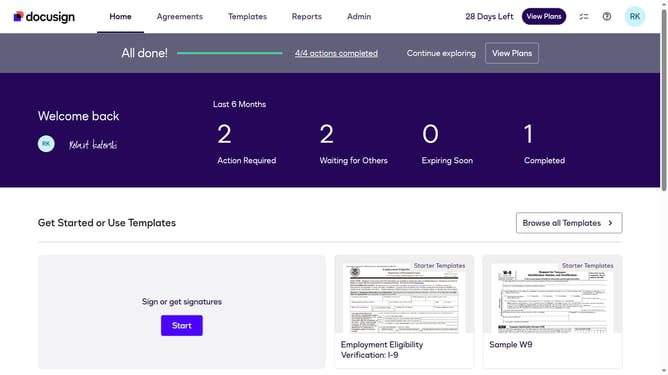
- First click on the "Admin" link in the top navigation menu
- Then scroll down the page to view the "Permission Profiles" option in the left sidebar
- Next click on the "Permission Profiles" link in the left sidebar under "USERS AND GROUPS" section
- Then click on the "Actions" dropdown button next to a permission profile
- Next click on the "Edit" option from the dropdown menu
- Then scroll down the "Edit Permission Profile" dialog box
- Next click the "Allow view and manage envelope rights through API" checkbox
- Finally click on the "Save" button to save the changes to the permission profile
Why should you enable allow view and manage envelope rights through API in DocuSign
DocuSign revolutionizes how documents are securely signed and managed online.
Enabling view and manage envelope rights through DocuSign's API elevates user control over document workflows. This feature empowers users to easily track and adjust the status of envelopes, ensuring seamless and secure document management.
By automating permissions and access, teams can work more efficiently and accurately, reducing time spent on administrative tasks. Leveraging this feature enhances productivity and fosters quicker decision-making, providing organizations with a competitive edge.
Last update