How to print an envelopes history in DocuSign
Here is how to print an envelopes history in docusign
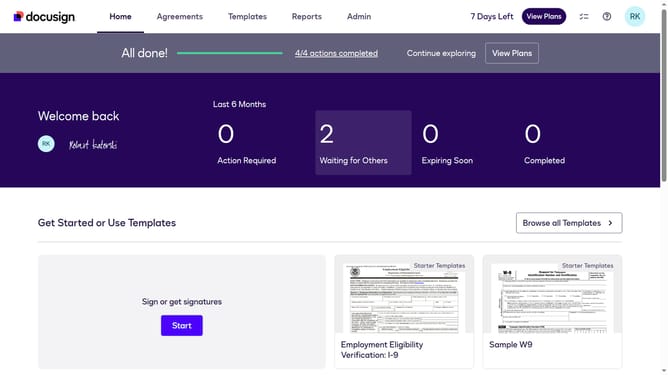
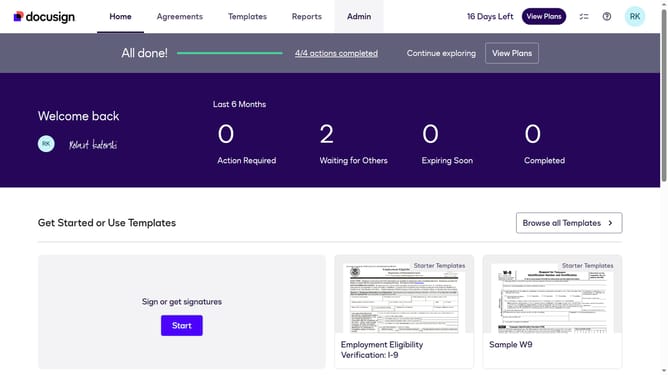
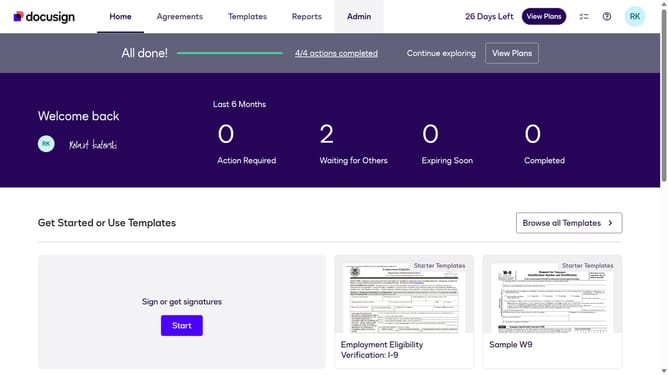
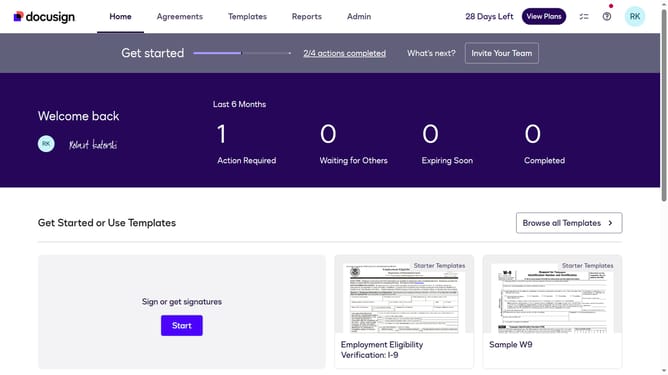
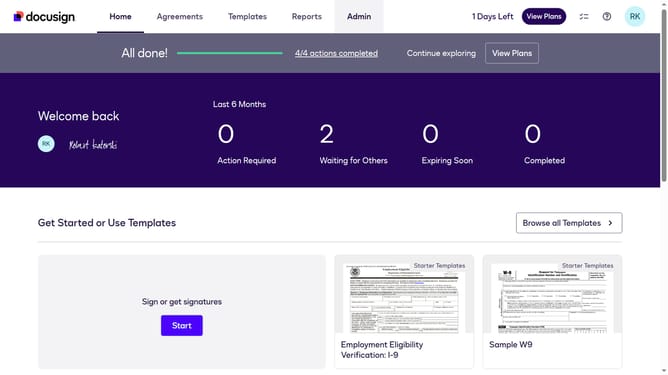
- First click on the "Agreements" tab in the top navigation menu
- Then click on the three-dot menu button next to the "Download" button of the document you want to print
- Next select the "History" option from the dropdown menu
- Finally click on the "Print" button at the bottom of the Envelope History panel
Why should you print an envelopes history in DocuSign
DocuSign simplifies electronic agreements, streamlining how contracts are shared and signed online.
Printing an envelope's history in DocuSign provides users with a tangible record of all actions taken within a particular document's lifecycle. This valuable feature enhances transparency by offering a comprehensive overview of the signing process, showing dates, times, and activities associated with each envelope.
Utilizing the envelope history printout ensures accuracy and accountability. Having a hard copy can be crucial for audits, compliance checks, and legal inquiries, offering peace of mind to users by documenting every step in the agreement process.
Last update