How to set the default view of document to open only in mobile-friendly view in DocuSign
Here is how to set the default view of document to open only in mobile-friendly view in docusign
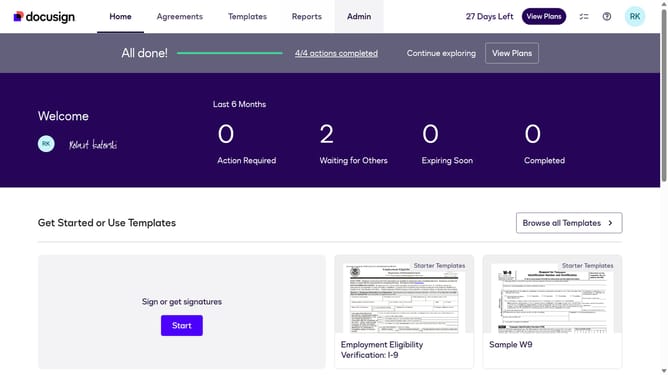
- First click on the "Admin" tab in the top navigation menu
- Then scroll down the page to view more admin settings options
- Next click on "Signing Settings" link in the left sidebar under the "SIGNING AND SENDING" section
- Then click on the "Set the default view to open in:" dropdown menu under the "Mobile-Friendly Viewing with Responsive Signing" section and select the "Open only in mobile-friendly view" option
- Then scroll down the page to view additional signing settings and options
- Finally click on the "Save Changes" button to save the modified signing settings
Why should you set the default view of document to open only in mobile-friendly view in DocuSign
DocuSign revolutionizes the way businesses manage digital agreements with seamless electronic solutions.
Setting a default mobile-friendly view in DocuSign ensures that documents are easily accessible on any device, providing a streamlined experience for users.
This feature enhances user accessibility and convenience, making it easier for recipients to review and sign documents while on the go, minimizing delays and improving productivity.
By leveraging this feature, you enhance document engagement, ensuring communication is efficient and effective.
Last update