How to enable the needs to view role in DocuSign
Here is how to enable the needs to view role in docusign
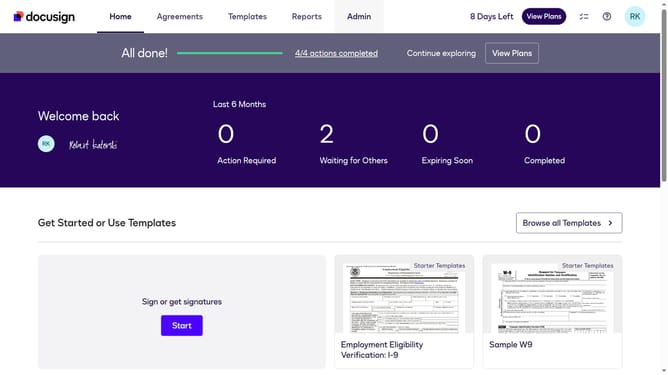
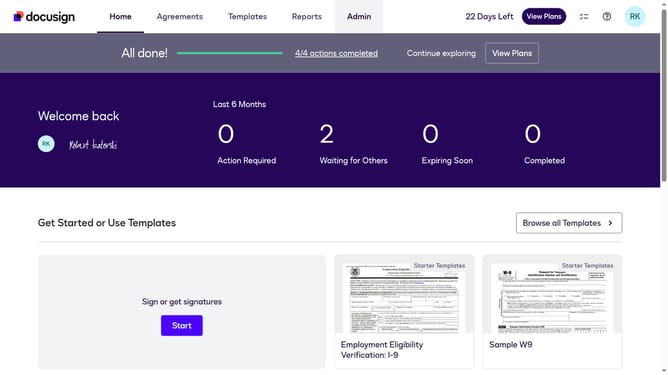
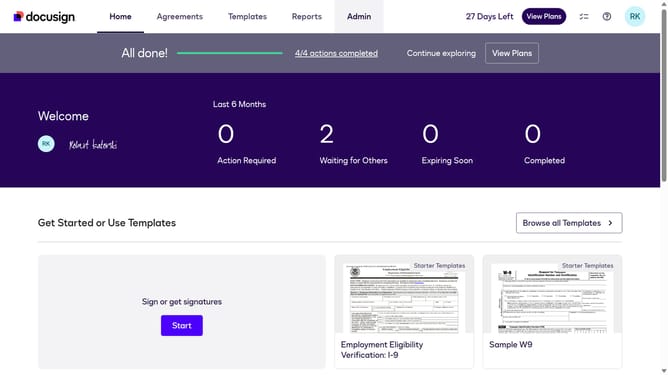
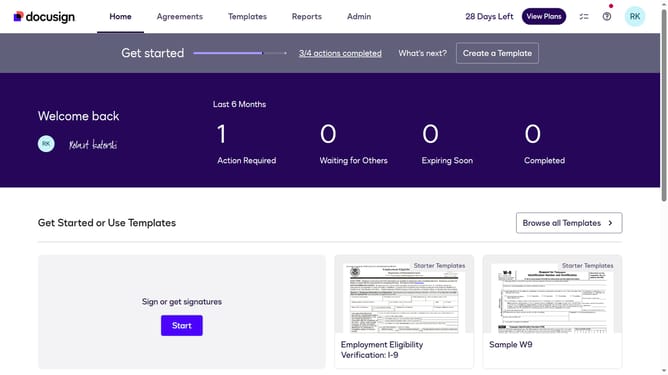
- First click on the "Admin" link in the top navigation menu
- Then scroll down the page to view more options in the admin section
- Next click on the "Sending Settings" option in the left sidebar under the "SIGNING AND SENDING" section
- Then scroll down the page to view the "Recipient Roles" section
- Next click the "Enable needs to view role" checkbox under the "Recipient Roles" section to enable it
- Then scroll down the page to view additional settings and the save button
- Finally click on the "Save Changes" button to save the configuration
Why should you enable the needs to view role in DocuSign
DocuSign is a leading digital tool that simplifies electronic signatures and accelerates agreement processes.
Enabling the "needs to view" role in DocuSign enhances collaboration by allowing designated individuals to access essential documents without the need to sign. This feature ensures that key stakeholders are informed and aligned, boosting efficiency across projects.
By granting view-only permissions, DocuSign streamlines workflows, fostering transparency and communication. Embracing this feature offers a seamless experience in document management, ultimately driving productivity.
Last update