How to allow signers to add multiple attachments per field in DocuSign
Here is how to allow signers to add multiple attachments per field in docusign
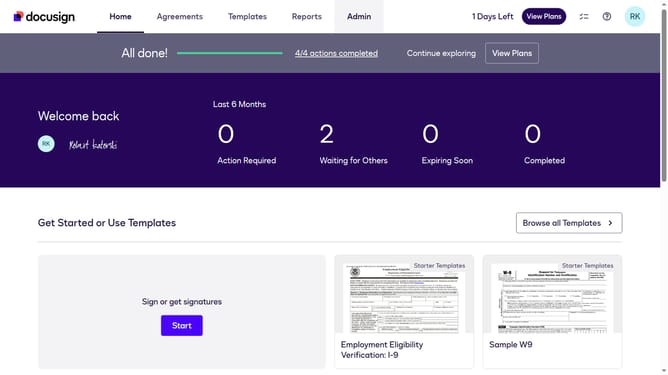
- First click on the "Admin" tab in the top navigation menu
- Then scroll down the page to view more admin settings options
- Next click on "Sending Settings" in the left sidebar under the "SIGNING AND SENDING" section
- Then click on the checkbox to enable "Enable signer attachment field" under the "Fields and Properties" section
- Next click on the checkbox to enable "Allow signers to add multiple attachments per field" option
- Then scroll down the page to view additional settings and the save button
- Finally click on the "Save Changes" button at the bottom of the page to apply the settings
Why should you allow signers to add multiple attachments per field in DocuSign
DocuSign is a leading platform for managing electronic agreements efficiently.
Allowing signers to add multiple attachments per field in DocuSign enhances flexibility and thoroughness in document submissions.
This feature saves time and reduces the hassle of separate uploads, making it especially valuable in scenarios demanding comprehensive documentation.
By empowering users to collate necessary files seamlessly, it streamlines processes, heightens accuracy, and boosts productivity.
Last update