How to remove the failed access code authentication landing page in DocuSign
Here is how to remove the failed access code authentication landing page in docusign
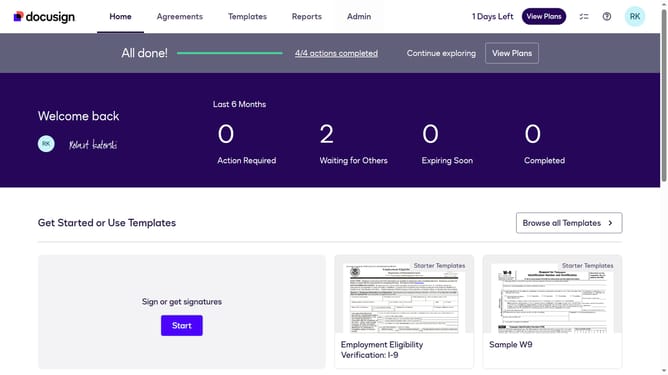
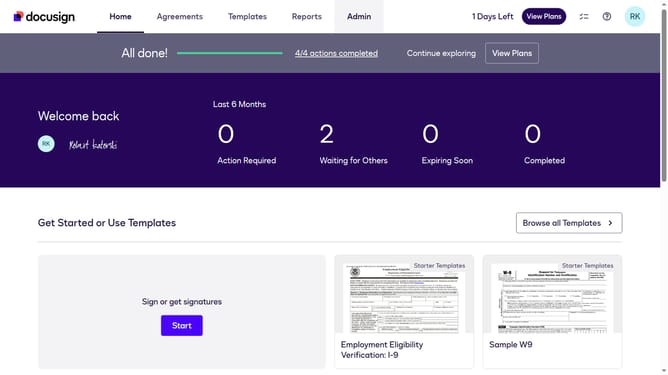
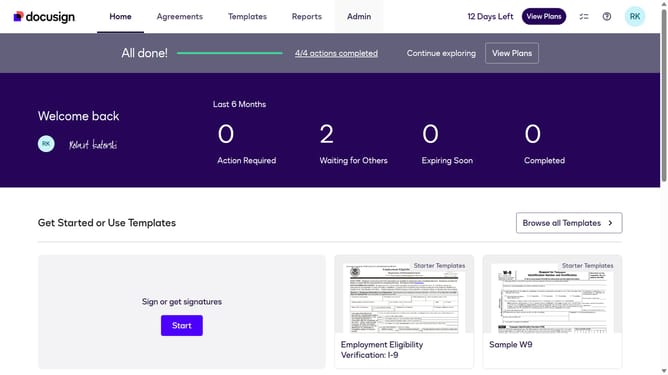
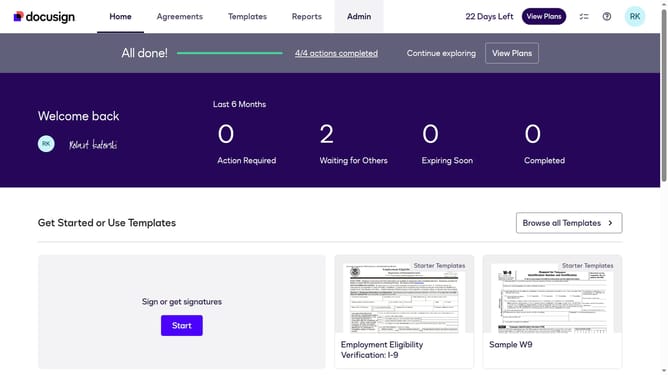
- First click on the "Admin" link in the top navigation menu
- Then scroll down the page to view the sidebar menu options
- Next click on "Signing Settings" in the left sidebar under the "SIGNING AND SENDING" section
- Then click on the "In-session Landing Pages" button in the Signing Experience section
- Next scroll down the page to view additional landing page configuration options
- Then clear the "Failed access code authentication check" text field
- Finally click on the "Save Changes" button to apply the configuration
Why should you remove the failed access code authentication landing page in DocuSign
DocuSign is a leading platform for electronic agreements, streamlining the process of obtaining secure digital signatures.
One notable feature of DocuSign is the ability to swiftly remove the failed access code authentication landing page. By eliminating this step, users can enhance the document signing experience, making it faster and more intuitive.
This feature is particularly beneficial for businesses aiming to improve efficiency and customer satisfaction. It allows for quicker access to documents while maintaining the integrity and security of the process.
Ultimately, this enhancement reduces friction and streamlines the workflow, benefiting everyone involved in the document transaction process.
Last update