How to allow recipient viewed notifications in a permission profile in DocuSign
Here is how to allow recipient viewed notifications in a permission profile in docusign
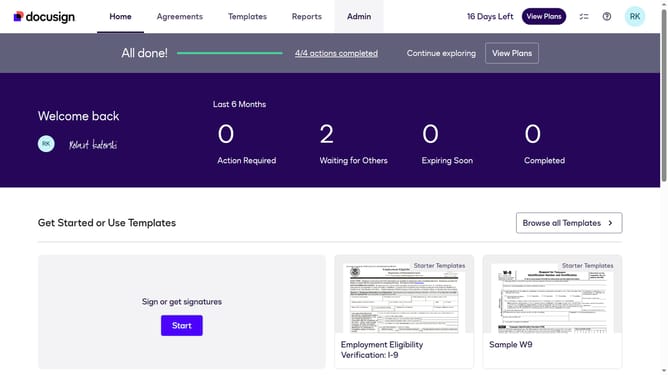
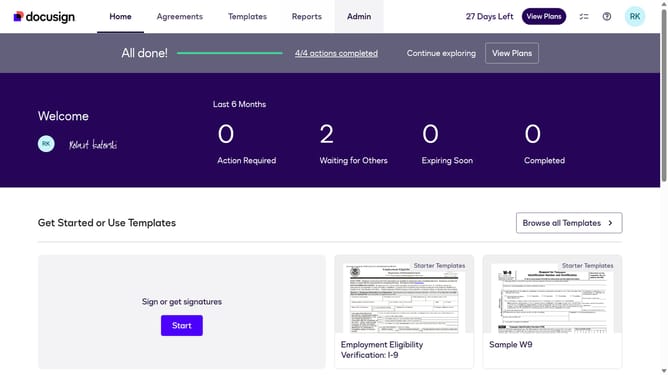
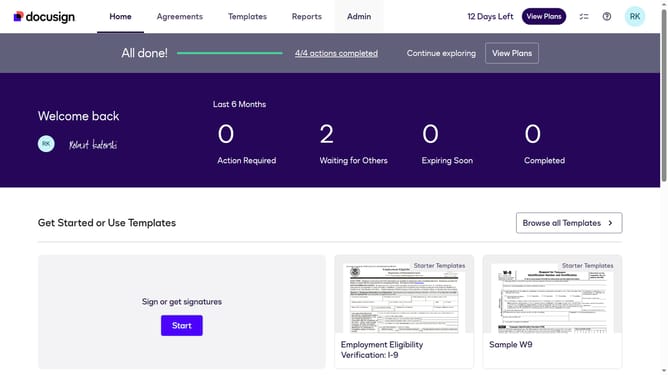
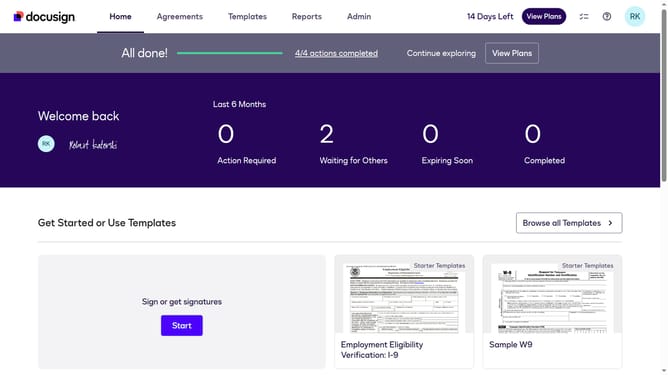
- First click on the "Admin" link in the top navigation menu
- Then scroll down the page to view the sidebar menu options
- Next click on "Permission profiles" under the USERS AND GROUPS section
- Then click the "Actions" dropdown button next to a permission profile
- Next select the "Edit" option from the dropdown menu
- Then scroll down in the "Edit Permission Profile" modal dialog
- Then click on the "Allow recipient viewed notifications" checkbox to enable it
- Finally confirm the changes by clicking the "Save" button
Why should you allow recipient viewed notifications in a permission profile in DocuSign
DocuSign revolutionizes document management by enabling secure digital signatures seamlessly.
One standout feature is the ability to receive recipient viewed notifications within a permission profile. This feature empowers users to track when documents have been opened, providing valuable insights into recipient engagement.
By enabling these notifications, users can streamline communication and follow-ups, ensuring a more efficient workflow and enhanced document management. This feature not only enhances accountability but also supports better decision-making and time management.
Last update