How to disable edit shared access permissions and setup in DocuSign
Here is how to disable edit shared access permissions and setup in docusign
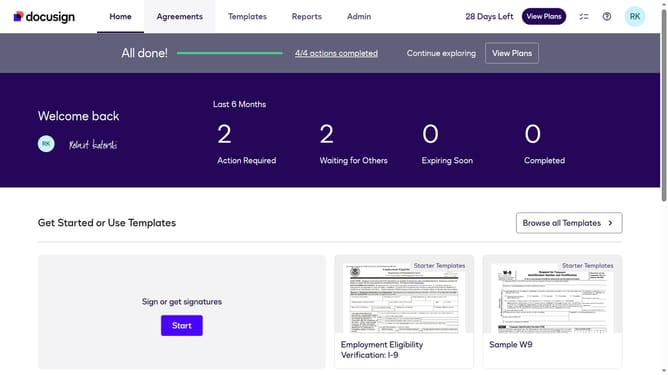
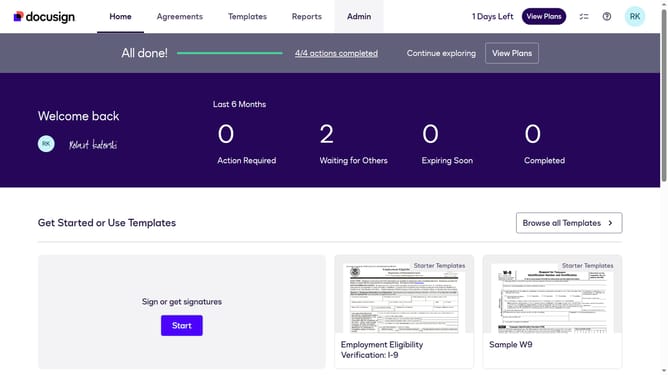
- First click on the "Admin" tab in the top navigation menu
- Then scroll down the page to view more options in the admin section
- Next click on the "Sending Settings" option in the left sidebar under the "SIGNING AND SENDING" section
- Then scroll down the page to view the "Recipient Roles" section
- Next uncheck the "Allow to edit shared access permissions and setup" checkbox to disable it
- Then scroll down the page to view the "Save Changes" button at the bottom
- Finally click on the "Save Changes" button to save the modified settings
Why should you disable edit shared access permissions and setup in DocuSign
DocuSign is a leader in digital transaction management, providing an efficient way to send, sign, and manage documents electronically.
Disabling edit shared access permissions in DocuSign is crucial for maintaining the integrity of your documents. This feature ensures that only authorized users can modify document permissions, preventing unauthorized access.
The ability to control access permissions protects sensitive data and enhances security, making document management more reliable and streamlined for users.
Last update