How to select the HR use case in the esignature value calculator in DocuSign
Here is how to select the hr use case in the esignature value calculator in docusign
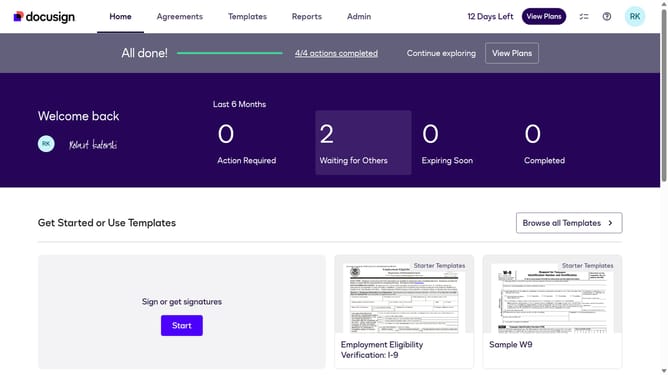
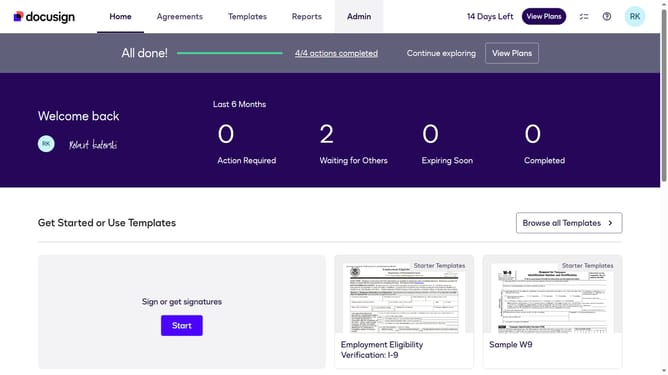
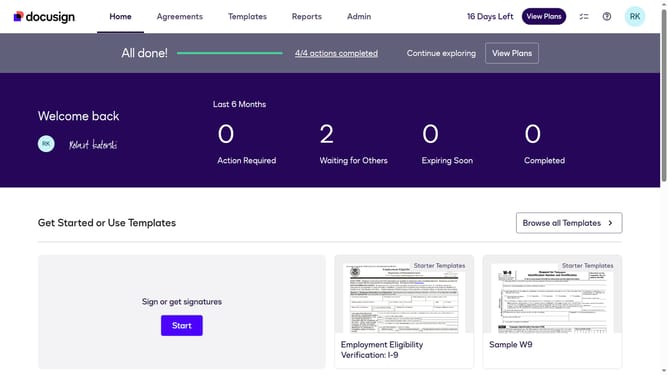
- First click on the "Admin" link in the top navigation menu
- Then click on the "Value Calculator" link in the left sidebar under the ACCOUNT section
- Next click on the "Select Use Case" dropdown menu and select the "HR" option
- Finally scroll down the page to view the updated benchmark data
Why should you select the HR use case in the esignature value calculator in DocuSign
DocuSign revolutionizes document management by providing secure and efficient electronic signature solutions.
To harness this power specifically for HR purposes, using the eSignature value calculator to select the HR use case can significantly enhance workflow efficiency. This feature allows HR professionals to pinpoint exact areas where eSignatures can reduce paperwork and accelerate processes.
By utilizing this feature, you streamline onboarding, contract management, and employee communications, capitalizing on time savings and operational accuracy.
Last update