How to allow document upload in a permission profile in DocuSign
Here is how to allow document upload in a permission profile in docusign
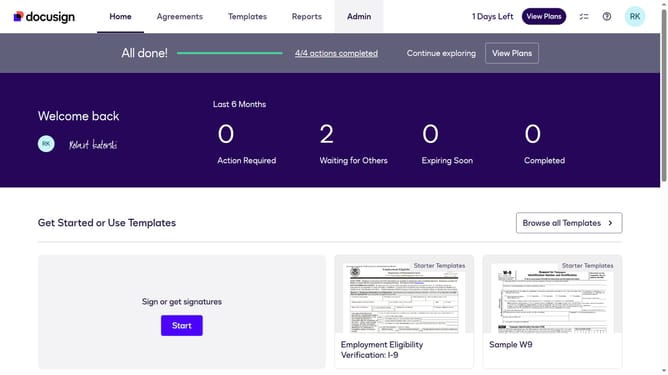
- First click on the "Admin" link in the top navigation menu
- Then scroll down in the left sidebar to reveal the "USERS AND GROUPS" section
- Next click on the "Permission Profiles" link in the left sidebar under "USERS AND GROUPS"
- Then click on the "Actions" dropdown button next to a permission profile
- Next click on the "Edit" option from the dropdown menu
- Then scroll down the "Edit Permission Profile" dialog box to view more options
- Next uncheck the "Disable document upload" checkbox in the permissions section
- Finally click on the "Save" button at the bottom of the modal
Why should you allow document upload in a permission profile in DocuSign
DocuSign is a powerful digital transaction management platform designed to streamline and accelerate the process of signing documents electronically.
Allowing document upload in a permission profile in DocuSign enhances workflow efficiency by giving specific user roles the ability to add important files during the transaction process. This feature fosters productivity by ensuring that the necessary documents are readily accessible for approval or review, enhancing collaboration across teams.
Empowering users with document upload capabilities in designated profiles not only optimizes the signing process but also strengthens data integrity by centralizing document management. This effectively reduces the chances of error and accelerates the completion of transactions within your organization.