How to enable conditional fields in DocuSign
Here is how to enable conditional fields in docusign
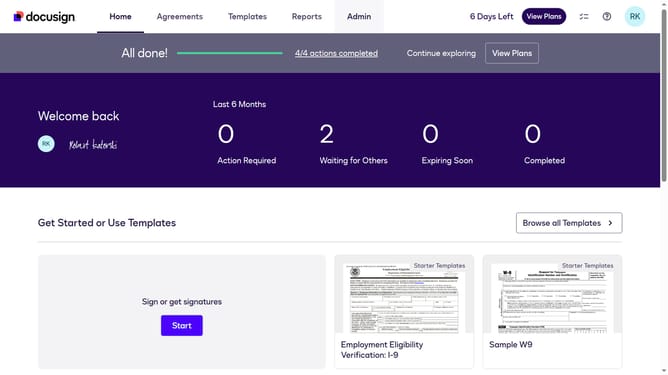
- First click on the "Admin" tab in the top navigation menu
- Then scroll down the page to view more admin settings options
- Next click on "Sending Settings" in the left sidebar under the "SIGNING AND SENDING" section
- Then click on the "Enable conditional fields" checkbox to enable this option
- After that, scroll down the page to view additional sending settings and document source options
- Finally click on the "Save Changes" button to apply the configuration changes
Why should you enable conditional fields in DocuSign
DocuSign is a leading electronic signature platform designed to streamline and secure your document workflow.
Enabling conditional fields in DocuSign enhances your documents by making them dynamic and responsive. These intelligent fields adjust according to the data provided, ensuring that the document adapts to the specifics of each signing scenario.
Using conditional fields adds flexibility and precision, reducing errors and saving time. It's an ideal way to maintain document relevance and improve the signing experience for all parties involved.
Last update