How to enable notifications when an envelope is completed for an API user in DocuSign
Here is how to enable notifications when an envelope is completed for an api user in docusign
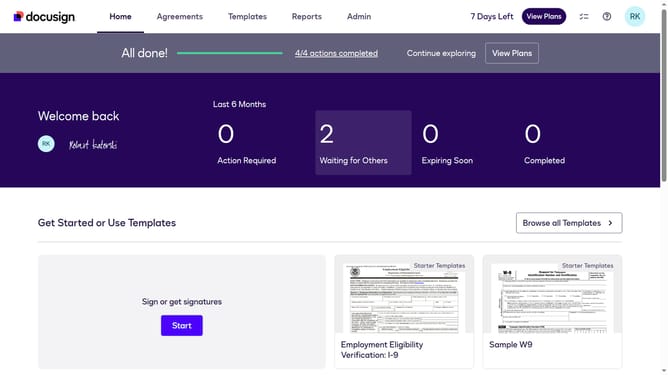
- First click on the "Admin" tab in the top navigation menu
- Then scroll down the page to view additional options in the left sidebar
- Next click on "Email Preferences" in the left sidebar under the "SIGNING AND SENDING" section
- Then click on the "API User" tab to switch to API user email preferences
- Next click to check the "An envelope is completed" checkbox in the notification preferences list
- Then scroll down to the bottom of the page to view the save button
- Finally click on the "Save Changes" button to apply the email preference modifications
Why should you enable notifications when an envelope is completed for an API user in DocuSign
DocuSign streamlines the management and signing of documents digitally with ease and security.
Enabling notifications for completed envelopes in DocuSign elevates your efficiency by ensuring you are promptly informed once a document signing process is concluded. This proactive feature allows API users to stay updated without constant manual oversight, saving both time and resources.
Being notified instantly strengthens your workflow by helping to establish seamless continuity in document-related tasks, enhancing responsiveness, and improving your overall productivity in document management.
Last update