How to choose financial services in the esignature value calculator in DocuSign
Here is how to choose financial services in the esignature value calculator in docusign
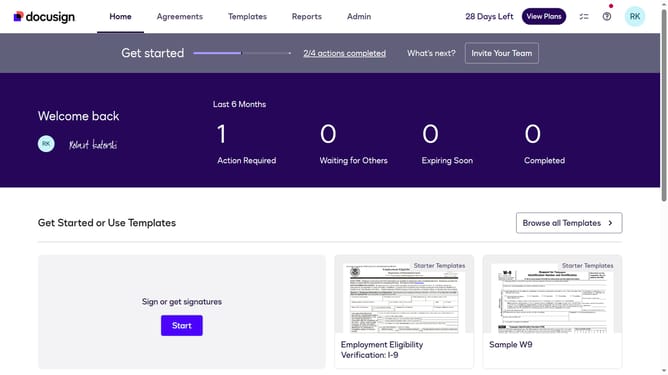
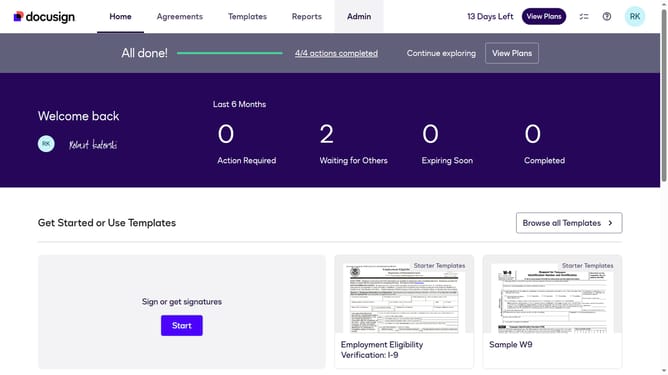
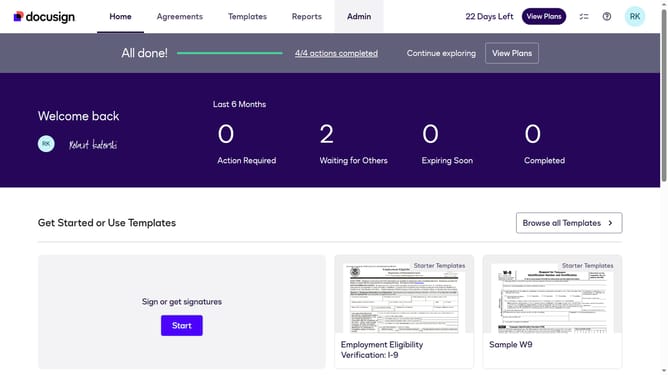
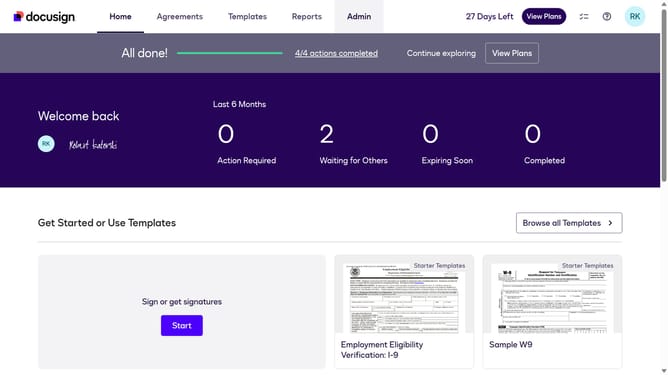
- First click on the "Admin" link in the top navigation menu
- Then click on the "Value Calculator" link in the left sidebar under the Account section
- Next click on the "All Industries" dropdown menu under the Select Industry section and select the "Financial Services" option
- Finally scroll down the page to view the updated benchmark data
Why should you choose financial services in the esignature value calculator in DocuSign
DocuSign is your go-to platform for digital transaction management and eSignature solutions, enhancing efficiency and security during document exchanges.
Within DocuSign, the eSignature value calculator allows users to customize options according to industries, such as financial services. This feature is designed to streamline decision-making and improve cost-effectiveness.
Choosing financial services as a focus helps businesses better assess their specific needs, ensuring the solutions align perfectly with regulatory requirements and operational goals.
Employing this tool fosters informed decision-making, leading to optimal productivity and significant resource savings.
Last update