How to exclude delegation details from webhook payloads in DocuSign
Here is how to exclude delegation details from webhook payloads in docusign
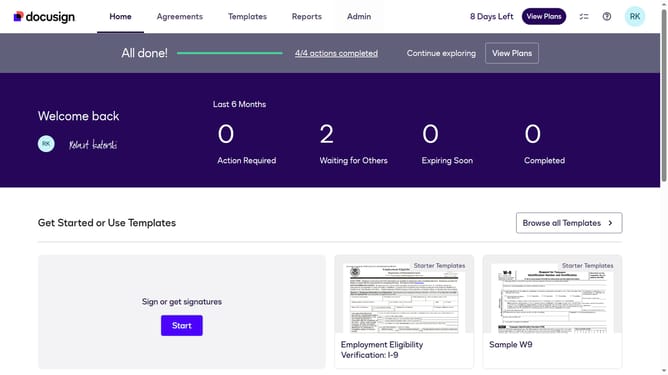
- First click on the "Admin" link in the top navigation menu
- Then scroll down the page to view more content
- Next click on the "Connect" option in the left sidebar under the INTEGRATIONS section
- Then click on the "Actions" dropdown button next to a custom configuration in the configurations table
- Next select the "Edit" option from the Actions dropdown menu
- Then scroll down the page to view the Trigger Events section
- Next click on the "Envelope and Recipients" dropdown button to expand it
- Then scroll down and click the Include Data dropdown button
- Next uncheck the "Delegations" checkbox to exclude it in the Include Data section
- Then scroll down to the bottom of the page to view the save button
- Finally click on the "Save Configuration" button to save the changes
Why should you exclude delegation details from webhook payloads in DocuSign
DocuSign is an innovative digital tool designed to simplify and secure electronic agreements.
One valuable feature within DocuSign is the ability to exclude delegation details from webhook payloads. This feature enhances privacy by ensuring sensitive information about document delegation is not shared unnecessarily.
Utilizing this option can streamline communication, focusing only on essential data. It optimizes integration processes by minimizing potential data overload, enhancing efficiency and clarity for developers and businesses alike.
Last update