How to disable password expiration in DocuSign
Here is how to disable password expiration in docusign
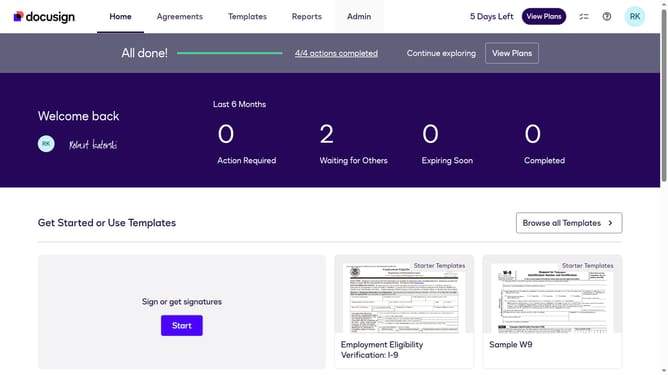
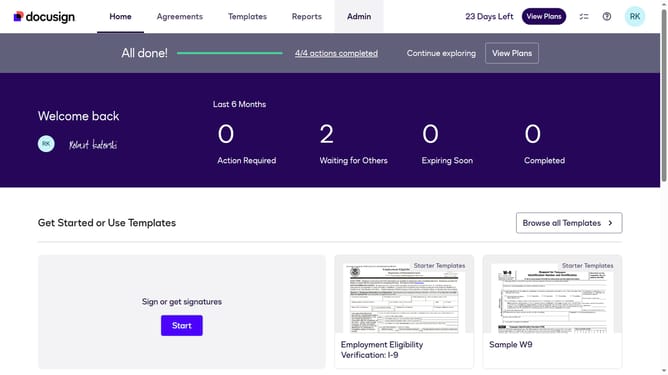
- First click on the "Admin" link in the top navigation menu
- Then click on the "Security Settings" option in the left sidebar under the ACCOUNT section
- Next scroll down to view more options
- Then click the "Show Password Rules" option under the Password Security Section
- After that uncheck the checkbox next to the "Enable password expiration" option
- Finally click on the "Save" button again to confirm the password rules changes
Why should you disable password expiration in DocuSign
DocuSign is a leading digital transaction management service that streamlines electronic agreements for businesses worldwide.
Disabling password expiration in DocuSign provides users with a more seamless experience by reducing interruptions caused by frequent password changes.
This feature is especially beneficial for users who prioritize uninterrupted access, as it ensures that their workflow remains efficient and free of unnecessary delays.
Ultimately, it contributes to enhanced productivity while maintaining the security and integrity that DocuSign users expect and trust.
Last update