How to disable responsive signing in DocuSign
Here is how to disable responsive signing in docusign
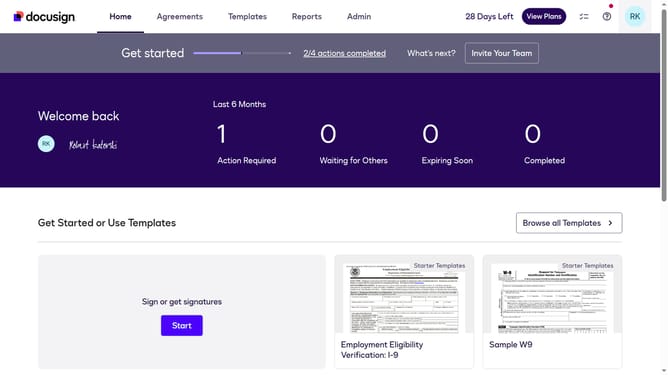
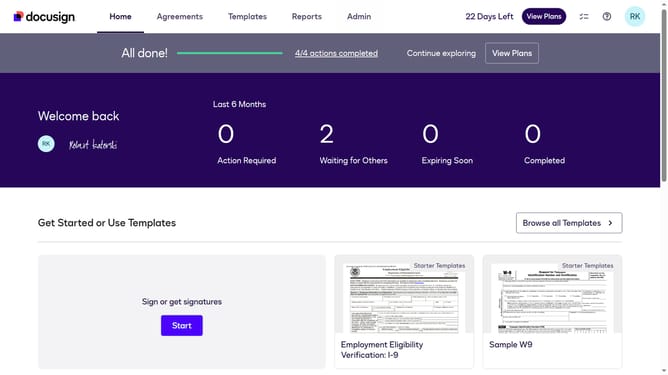
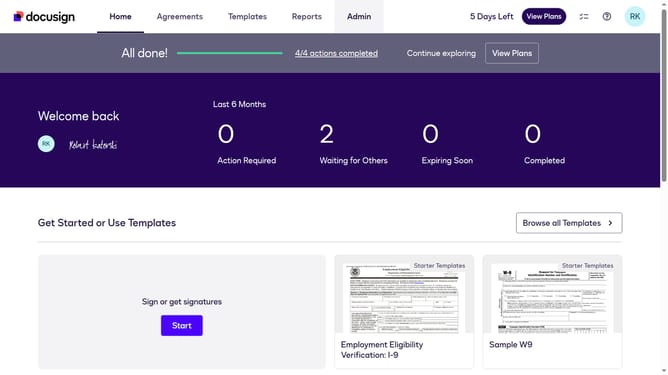
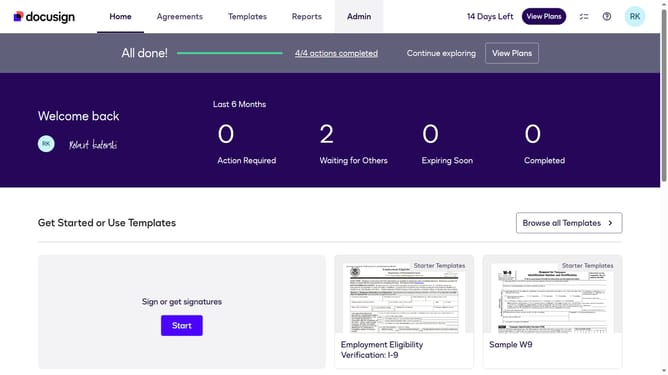
- First click on the "Admin" tab in the top navigation menu
- Then scroll down the page to view more admin settings options
- Next click on "Signing Settings" link in the left sidebar under the "SIGNING AND SENDING" section
- The uncheck the "Enable responsive signing" checkbox to disable it
- Scroll down the page to view additional signing configuration options
- Finally click on the "Save Changes" button to apply the modified settings
Why should you disable responsive signing in DocuSign
DocuSign is an innovative platform designed to streamline the electronic signature process for documents.
Disabling responsive signing in DocuSign offers users greater control over the presentation of documents when viewed on different devices. This feature ensures that all recipients view the document in its original format, preserving the intended layout and design.
By deactivating responsive signing, businesses can maintain brand consistency and document fidelity, which is vital for legal documents or sensitive materials that require precise formatting.
Last update