How to show the access code in the routing order in DocuSign
Here is how to show the access code in the routing order in docusign
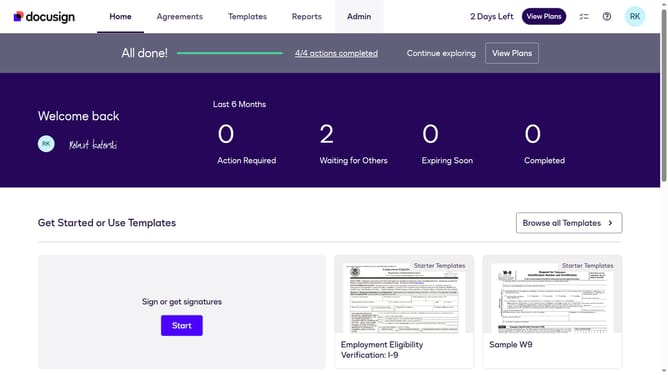
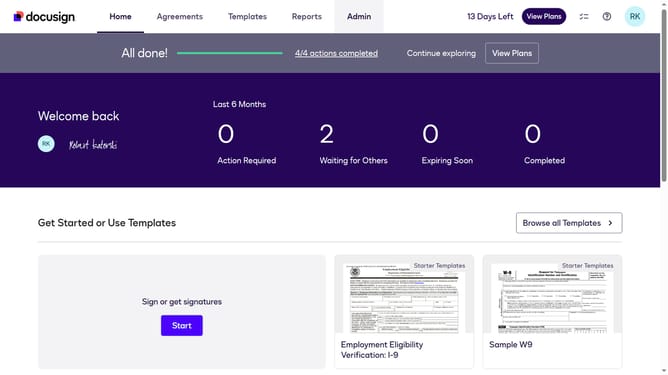
- First click on the "Admin" tab in the top navigation menu
- Then click on "Security Settings" link in the left sidebar under the ACCOUNT section
- Next scroll down to view the "General Authentication Settings" section on the page
- Then uncheck the checkbox labeled "Hide access code in the routing order" under General Authentication Settings
- After that scroll down to the bottom of the page to view the save options
- Finally click on the "Save Changes" button to apply the security settings
Why should you show the access code in the routing order in DocuSign
DocuSign is a leading electronic signature platform that streamlines document management and signing processes worldwide.
A key feature of DocuSign is the ability to show the access code in the routing order. This enhances security by ensuring that only authorized individuals can access and sign documents, providing an extra layer of protection during the signing process.
Utilizing access codes in routing orders facilitates smoother workflow management, reinforcing accountability and adding peace of mind. It benefits businesses by maintaining confidentiality while expediting the document handling process.
Last update