How to disable trigger events when a notary session status is updated in DocuSign
Here is how to disable trigger events when a notary session status is updated in docusign
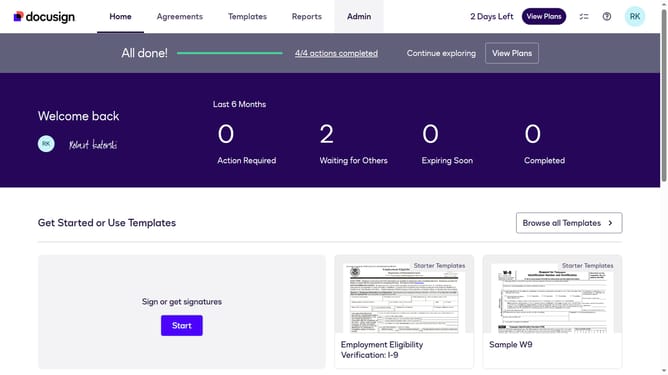
- First click on the "Admin" tab in the top navigation menu
- Then scroll down the page to view more content in the Admin section
- Next click on the "Connect" option in the left sidebar under the INTEGRATIONS section
- Then click on the "Actions" dropdown button next to a custom configuration in the configurations table
- Next select the "Edit" option from the Actions dropdown menu
- Then scroll down the page to view the Notary section
- Next click on the "Notary" dropdown to expand the notary event options
- Then uncheck "Notary Session Status Updated" the checkbox
- Next scroll down the page to view more options
- Finally click on the "Save Configuration" button to save the changes
Why should you disable trigger events when a notary session status is updated in DocuSign
DocuSign is a leading digital transaction management platform that facilitates secure and efficient electronic agreements.
Disabling trigger events for notary session status updates in DocuSign offers significant benefits for users seeking streamlined workflows. By turning off these notifications, you can reduce informational noise and focus on what's important, enhancing productivity and minimizing distractions.
This feature allows for a more controlled and efficient environment, especially in high-volume settings, ensuring that attention is directed towards critical aspects of document management.
Overall, utilizing this feature can lead to a more organized approach to managing digital notary sessions, contributing to a smoother operational process.