How to disable notifications when a sender corrects an envelope for an API user in DocuSign
Here is how to disable notifications when a sender corrects an envelope for an api user in docusign
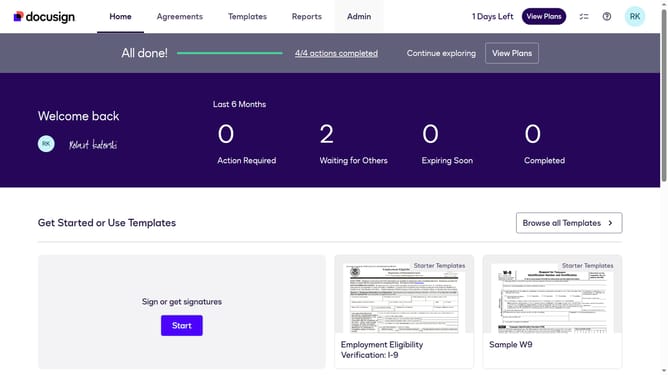
- First click on the "Admin" tab in the top navigation menu
- Then scroll down the page to view additional settings options
- Next click on the "Email Preferences" link in the left sidebar under the "SIGNING AND SENDING" section
- Then click on the "API User" tab to switch to API user email preferences
- Next scroll down to view more options
- Then uncheck the checkbox for "The sender corrects an envelope" to disable this notification preference
- Continue scrolling down to reach the bottom of the email preferences page
- Finally click on the "Save Changes" button to save the updated email notification preferences
Why should you disable notifications when a sender corrects an envelope for an API user in DocuSign
DocuSign is a leading electronic signature platform designed to streamline business transactions with ease and efficiency.
One feature within DocuSign allows API users to disable notifications when a sender corrects an envelope. This can be invaluable for reducing informational clutter, ensuring that only necessary alerts demand attention.
By selecting this option, users can focus on the most critical tasks without being interrupted, promoting a smoother and more productive workflow. Ultimately, it enhances the user experience by allowing tailored notification settings to fit individual or business needs.
Last update