How to allow senders to require signers to upload a new image to sign or initial in DocuSign
Here is how to allow senders to require signers to upload a new image to sign or initial in docusign
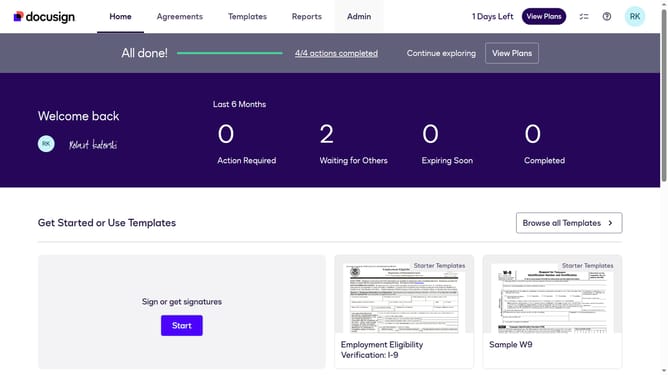
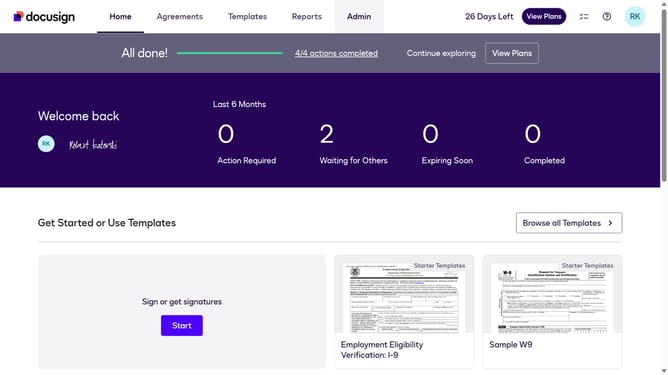
- First click on the "Admin" tab in the top navigation menu
- Then scroll down the page to view more admin settings options
- Next click on "Sending Settings" link in the left sidebar under the "SIGNING AND SENDING" section
- Then scroll down the page to view additional sending settings options
- Next click on the checkbox for "Allow senders to require signers to upload a new image to sign or initial" to enable this setting
- Then scroll down to the bottom of the page to view the save button
- Finally click on the "Save Changes" button to apply the updated sending settings
Why should you allow senders to require signers to upload a new image to sign or initial in DocuSign
DocuSign streamlines electronic agreements, facilitating efficient digital transactions.
Allowing senders to require signers to upload a new image for signatures or initials enhances document authenticity.
This feature ensures personalized verification by integrating a fresh image with every transaction.
It's especially beneficial for maintaining a high level of security and personalization in sensitive agreements.
Last update