How to disable SMS opt-in trigger events in DocuSign
Here is how to disable sms opt-in trigger events in docusign
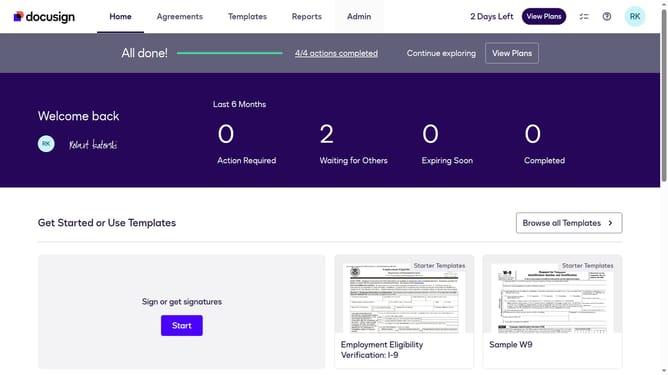
- First click on the "Admin" tab in the top navigation menu
- Then scroll down the page to view additional admin options
- Next click on the "Connect" option in the left sidebar under the INTEGRATIONS section
- Then click on the "Actions" dropdown button next to a custom configuration in the configurations table
- Next select "Edit" from the Actions dropdown menu
- Then scroll down the page to view the Trigger Events section
- Next click on the "Docusign Click" dropdown button to expand it
- Then uncheck the "SMS Opt In" checkbox to disable this trigger event
- Next scroll down to view additional configuration options and the save button
- Finally click on the "Save Configuration" button to save the changes
Why should you disable SMS opt-in trigger events in DocuSign
DocuSign streamlines the process of managing electronic agreements, enabling swift and secure transactions.
The ability to disable SMS opt-in trigger events in DocuSign allows users to maintain simplicity in their document workflows. By eliminating unnecessary interruptions, you can focus on completing tasks more efficiently.
Reducing SMS triggers not only eases communication but also enhances the user experience by preventing message overload. This feature ensures smoother and more streamlined operations in your document management process.
Last update