How to disable writing the initial value of a field for all recipients when an envelope is sent in DocuSign
Here is how to disable writing the initial value of a field for all recipients when an envelope is sent in docusign
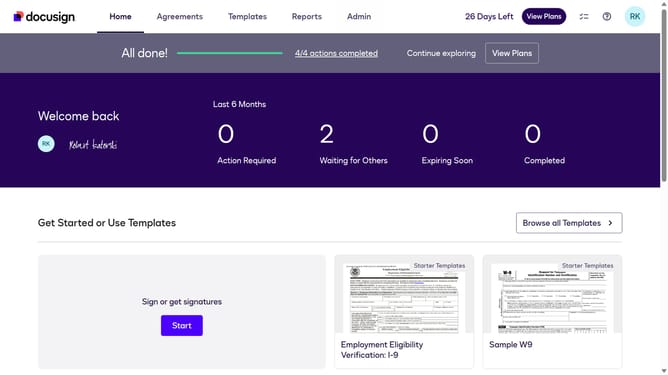
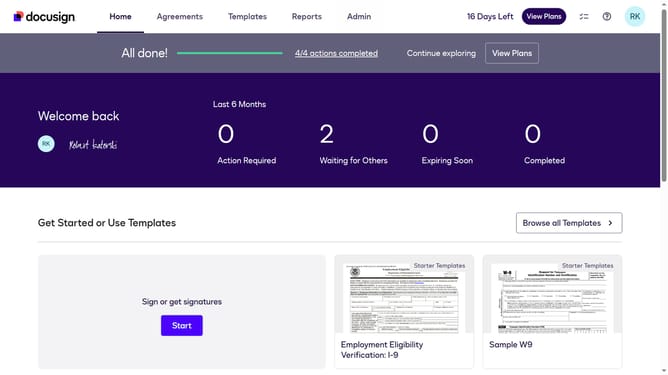
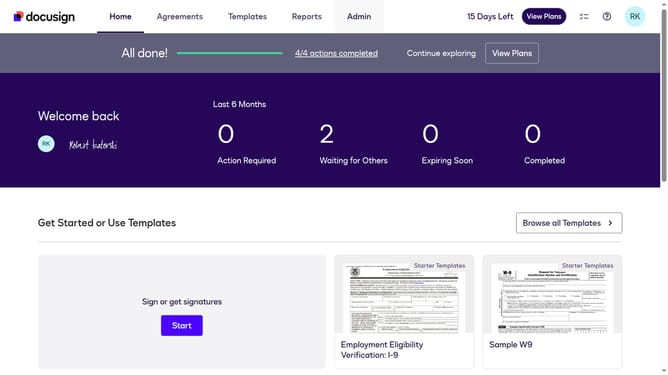
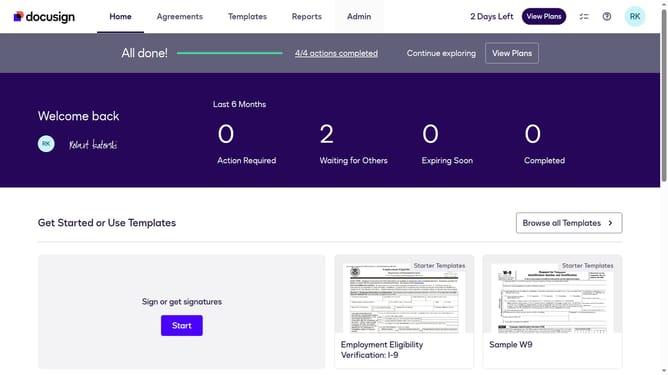
- First click on the "Admin" tab in the top navigation menu
- Then scroll down the page to view more admin settings options
- Next click on "Sending Settings" in the left sidebar under the "SIGNING AND SENDING" section
- Then uncheck the checkbox for "When an envelope is sent, write the initial value of the field for all recipients" to disable this option
- Next scroll down to view more options
- Finally review the saved changes on the Sending Settings page
Why should you disable writing the initial value of a field for all recipients when an envelope is sent in DocuSign
DocuSign is a powerful tool that simplifies the process of obtaining electronic signatures securely and efficiently.
An essential feature in DocuSign allows you to disable writing the initial value of a field for all recipients when an envelope is sent. This feature ensures that sensitive information remains confidential and minimizes the risk of data exposure.
By using this functionality, businesses can maintain data integrity and customize documents according to each recipient's needs. In doing so, it not only enhances security but also improves user experience by focusing on relevant content.
Last update