How to enable Product Updates email notifications in DocuSign
Here is how to enable product updates email notifications in docusign
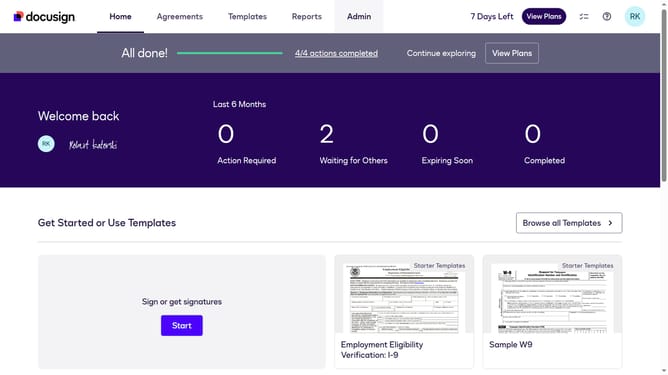
- First click on the "Admin" link in the top navigation menu
- Then click on the "Notification Preferences" settings icon in the Notifications section
- Next click on the "Product Updates" checkbox to enable product update notifications
- Finally click on the "Save" button to save the notification preferences
Why should you enable Product Updates email notifications in DocuSign
DocuSign streamlines the process of managing electronic agreements, providing a secure and efficient solution for businesses.
Enabling Product Updates email notifications in DocuSign enhances your experience by keeping you informed of the latest feature enhancements and improvements.
This feature ensures you always have access to the most current tools, optimizing your workflow and efficiency.
By staying updated, you can leverage new functionalities immediately, maintaining a competitive edge in the digital document management landscape.
Last update