How to show the status column under the users section in DocuSign
Here is how to show the status column under the users section in docusign
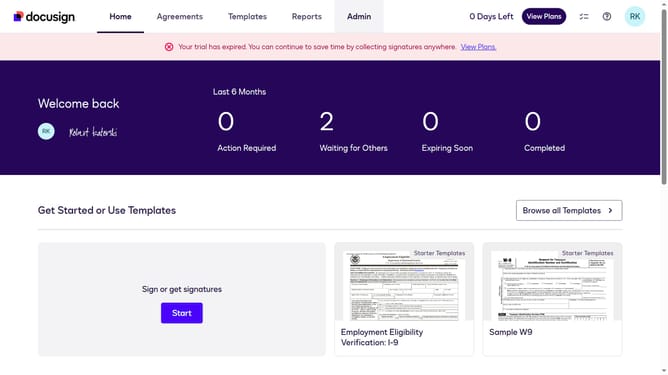
- First click on the "Admin" link in the top navigation menu
- Then scroll down the page to view the sidebar menu options
- Next click on the "Users" option in the left sidebar under the "USERS AND GROUPS" section
- Then click on the settings icon (gear icon) in the top right area of the Users page to open column customization
- In the column customization dialog, click on the "Status" checkbox to toggle its visibility
- Finally click on the "Apply" button to save the column visibility changes
Why should you show the status column under the users section in DocuSign
DocuSign is a leading platform that streamlines the process of managing electronic agreements, fostering seamless business operations.
The status column feature within the users section of DocuSign provides a quick overview of user activity, enhancing transparency and collaboration.
Employing this feature allows organizations to monitor the status of document handling efficiently, ensuring that team members are on track and deadlines are met. The concise data it presents leads to better decision-making and improved productivity.
Last update