How to use the personal address book only in a permission profile in DocuSign
Here is how to use the personal address book only in a permission profile in docusign
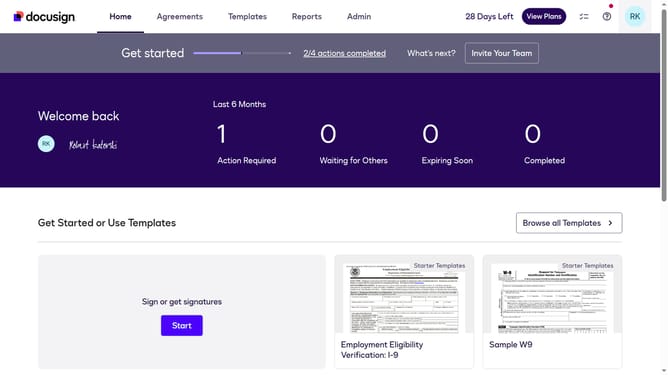
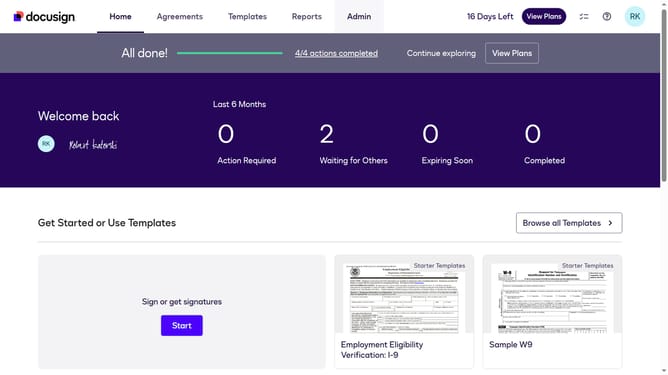
- First click on the "Admin" link in the top navigation menu
- Then scroll down the page to view the sidebar menu options
- Next click on "Permission Profiles" in the left sidebar under the "USERS AND GROUPS" section
- Then click on the "Actions" dropdown button next to a permission profile
- Next select "Edit" from the dropdown menu that appears
- Then scroll down in the "Edit Permission Profile" modal dialog to view more settings
- Next click on the "Address Book" dropdown and select "Use Personal Only" option
- Finally click on the "Save" button to save the changes to the permission profile
Why should you use the personal address book only in a permission profile in DocuSign
DocuSign is a leading digital solution for seamless document management and electronic signatures.
Using the personal address book within a permission profile in DocuSign streamlines access to frequently used contacts, ensuring efficiency and precision in document workflows.
This feature enhances security by controlling who accesses contact details, aligning with best practices for data privacy. It benefits users by restricting access, reducing errors, and aiding compliance.
Last update