How to enable notifications when a signer declines to sign for an API user in DocuSign
Here is how to enable notifications when a signer declines to sign for an api user in docusign
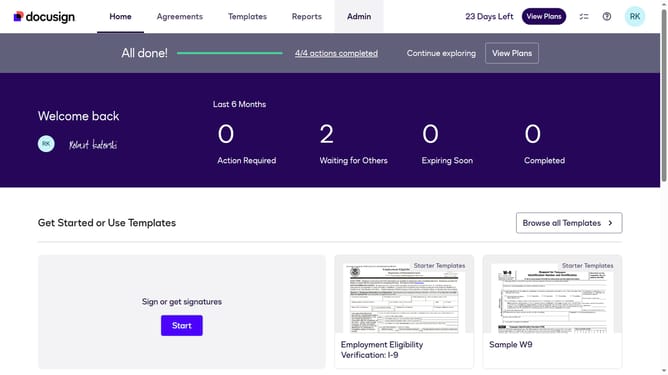
- First click on the "Admin" tab in the top navigation menu
- Then scroll down the page to view additional options in the left sidebar
- Next click on "Email Preferences" in the left sidebar under the "SIGNING AND SENDING" section
- Then click on the "API User" tab to switch to API user email preferences
- Next click to check the "Another signer declines to sign" checkbox
- Continue scrolling down to the bottom of the email preferences page
- Finally click on the "Save Changes" button to save the updated email preferences
Why should you enable notifications when a signer declines to sign for an API user in DocuSign
DocuSign is a leading electronic signature platform that simplifies the agreement process for businesses worldwide.
Enabling notifications for when a signer declines to sign is a valuable feature for API users in DocuSign. This capability ensures users are immediately informed of any setbacks in the signing process, allowing for timely interventions and seamless workflow management.
By staying alerted in real-time, businesses can foster quicker resolutions and maintain the momentum of their document processing, ultimately enhancing efficiency and user satisfaction.
Last update