How to prevent users from sending envelopes in a permission profile in DocuSign
Here is how to prevent users from sending envelopes in a permission profile in docusign
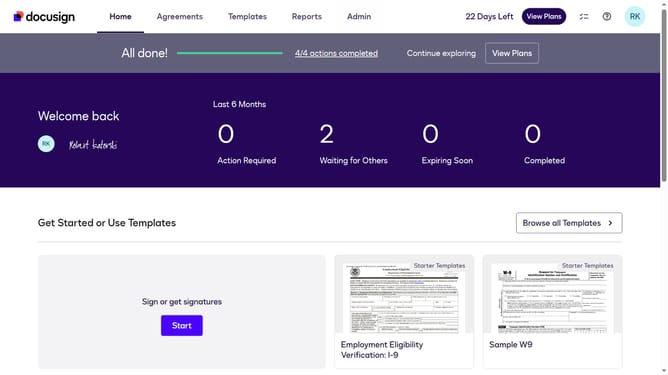
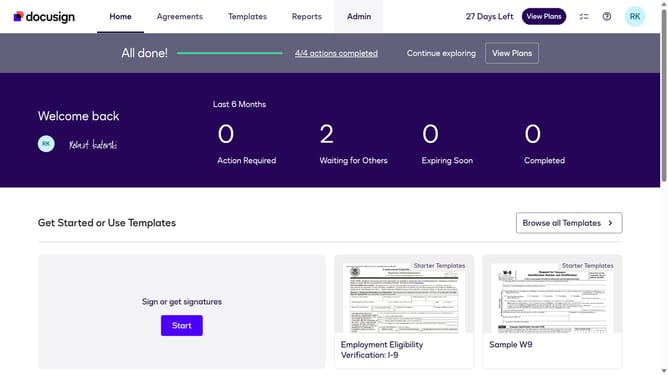
- First click on the "Admin" link in the top navigation menu
- Then scroll down the page to view the sidebar menu options
- Next click on "Permission Profiles" link in the left sidebar under the "USERS AND GROUPS" section
- Then click the "Actions" dropdown button next to a permission profile
- Next click on the "Edit" option from the dropdown menu
- Then uncheck the "Allow users to send envelopes" checkbox to disable this permission
- Finally click on the "Save" button to save the changes to the permission profile
Why should you prevent users from sending envelopes in a permission profile in DocuSign
DocuSign streamlines digital transactions by facilitating electronic signatures effortlessly.
Preventing users from sending envelopes through a permission profile offers significant control. This feature enhances security by limiting who can dispatch documents, safeguarding sensitive information from unauthorized circulation.
By customizing permission settings, organizations can ensure operational consistency and maintain compliance with internal protocols.
Ultimately, this fosters a more organized workflow and reduces risk, bolstering confidence in document management processes.
Last update