How to enable all administration capabilities in a permission profile in DocuSign
Here is how to enable all administration capabilities in a permission profile in docusign
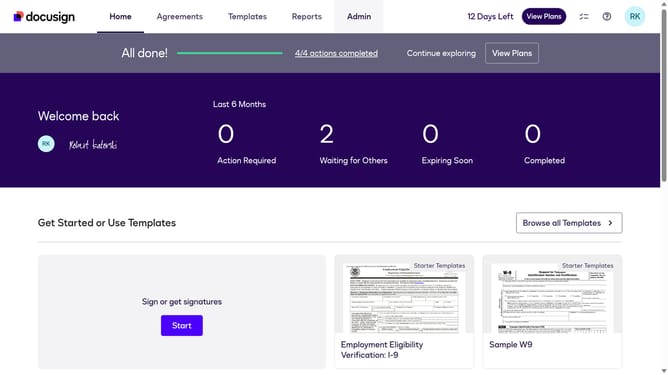
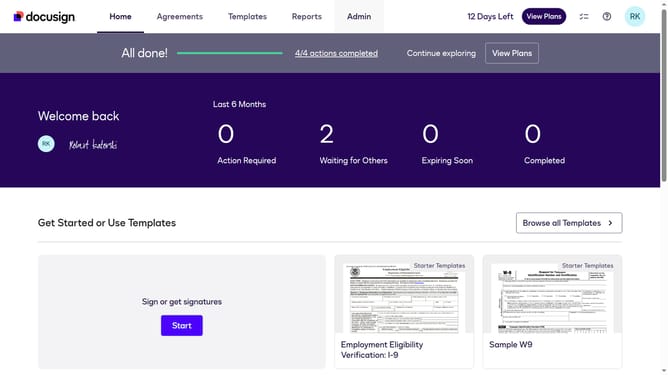
- First click on the "Admin" link in the top navigation menu
- Then scroll down the page to view the sidebar menu options
- Next click on "Permission profiles" under the USERS AND GROUPS section
- Then select the "Actions" dropdown button next to a permission profile
- Next select the "Edit" option from the dropdown menu
- Then click on the "All Administration Capabilities" checkbox to enable it
- Finally click on the "Save" button to confirm the permission profile update
Why should you enable all administration capabilities in a permission profile in DocuSign
DocuSign revolutionizes the way businesses manage agreements by providing a seamless electronic signature platform.
Enhancing administration capabilities in a permission profile empowers DocuSign users to fully leverage the platform's robust features. By enabling all necessary administrative functionalities, users can efficiently manage roles, permissions, and settings with greater ease.
This comprehensive control boosts operational productivity and ensures streamlined workflows, resulting in a more organized and secure management of electronic documents.
Last update