How to disable in person signing role in DocuSign
Here is how to disable in person signing role in docusign
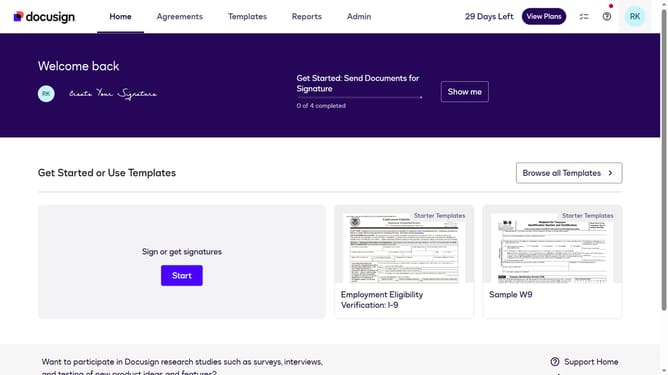
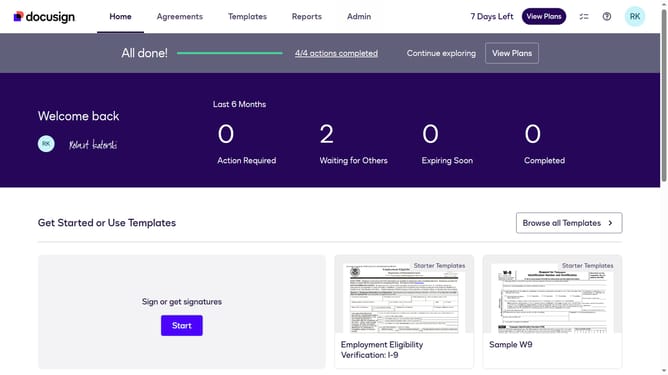
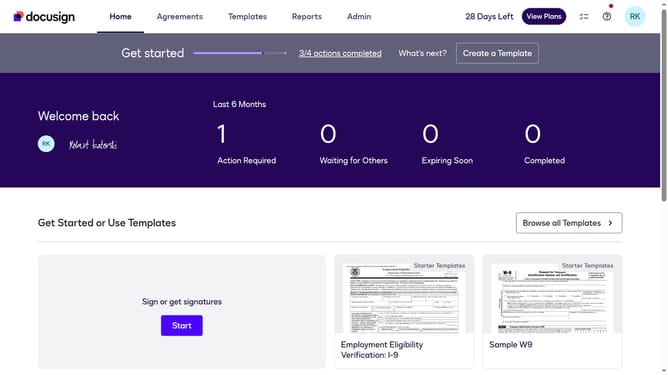
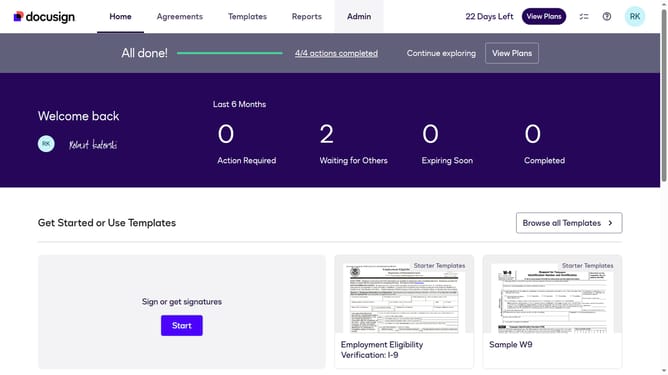
- First click on the "Admin" tab in the top navigation menu
- Then scroll down the page to view more admin settings options
- Next click on "Sending Settings" in the left sidebar under the "SIGNING AND SENDING" section
- Then scroll down the page to view the "Recipient Roles" section
- Next uncheck the "Enable in person (hosted) signing role" checkbox under the "Recipient Roles" section
- Then scroll down the page to view the "Save Changes" button
- Finally click on the "Save Changes" button to save the configuration
Why should you disable in person signing role in DocuSign
DocuSign revolutionizes document management by enabling secure and efficient digital signatures.
Disabling the in-person signing role within DocuSign can streamline your workflow by eliminating the need for physical interactions.
This feature is particularly beneficial in a digital-first environment, enhancing efficiency and ensuring all processes are completed electronically, supporting a fully virtual document lifecycle.
By focusing on digital interactions, you minimize physical constraints, thus advancing your organization toward a more sustainable and flexible future.
Last update