How to include document fields in webhook payloads in DocuSign
Here is how to include document fields in webhook payloads in docusign
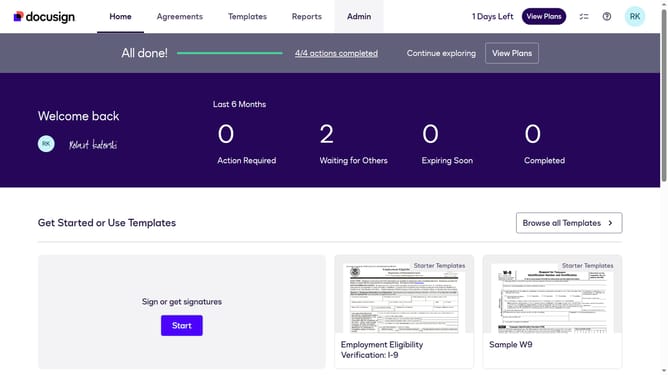
- First click on the "Admin" link in the top navigation menu
- Then scroll down the page to view more content
- Next click on the "Connect" link in the left sidebar under the INTEGRATIONS section
- Then click on the "Actions" dropdown button next to a custom configuration in the configurations table
- Next select the "Edit" option from the dropdown menu
- Then scroll down the page to view the Trigger Events section
- Next expand the "Envelope and Recipients" section by clicking on it
- Then expand the "Include Data" section by clicking on it
- Next click on the "Document Fields" checkbox to enable Document Fields data in the payload
- Then scroll down to the bottom of the page
- Finally click on the "Save Configuration" button to save the changes
Why should you include document fields in webhook payloads in DocuSign
DocuSign is a trusted platform for electronic signature and document management.
Including document fields in webhook payloads in DocuSign enhances your workflow by ensuring real-time updates with precise data transfer.
This feature allows for seamless integration of essential document data into your applications, improving efficiency and accuracy.
By leveraging this capability, users can streamline processes, reducing manual data entry and minimizing errors, leading to a more efficient document management system.
Last update