How to disable document attachments in completion emails in DocuSign
Here is how to disable document attachments in completion emails in docusign
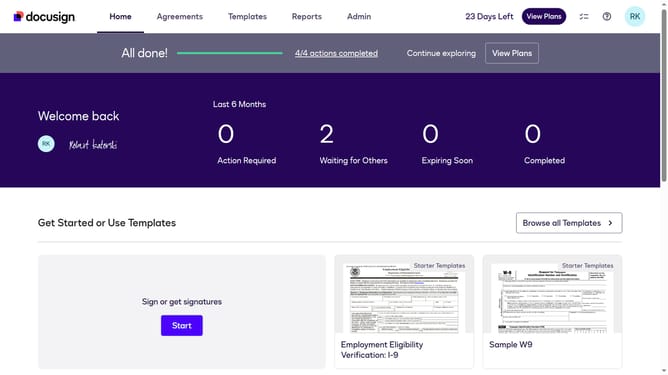
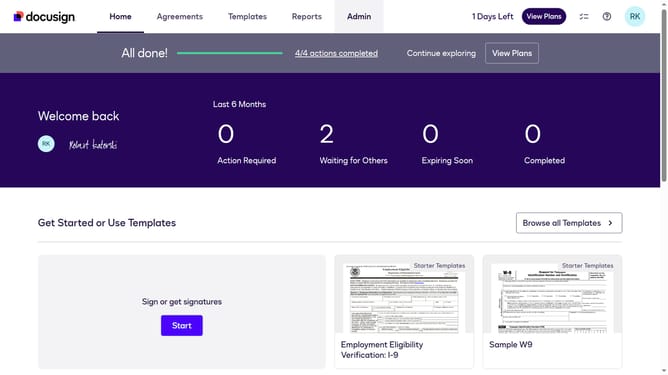
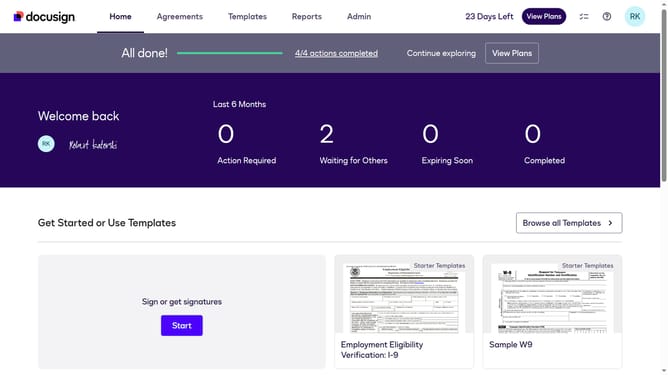
- First click on the "Admin" tab in the top navigation menu
- Then scroll down to view more options
- Next click on "Signing Settings" in the left sidebar under the "SIGNING AND SENDING" section
- Then scroll down to the "Envelope Delivery" section and click on the "Attach documents to completion email" checkbox to toggle it
- After that, click on the "Attach documents to completion email" checkbox again to uncheck it
- Finally click on the "Save Changes" button to save the updated settings
Why should you disable document attachments in completion emails in DocuSign
DocuSign is a powerful tool designed to streamline the signing and management of digital documents securely and efficiently.
One of its handy features allows users to disable document attachments in completion emails, tailoring email notifications to suit varied privacy preferences.
By disabling these attachments, the feature enhances data security, ensuring sensitive documents do not inadvertently reach unintended recipients.
This option also helps reduce email clutter, simplifying inbox management and maintaining a focus on critical communications.
Last update