How to download a template in DocuSign
Here is how to download a template in docusign
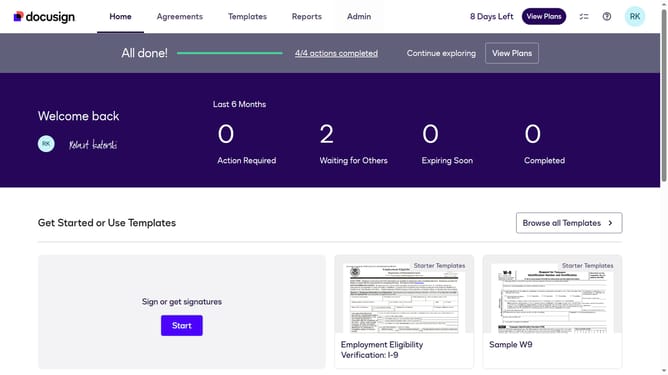
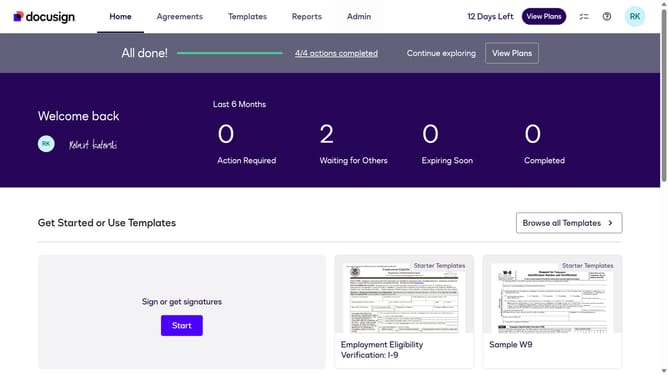
- First click on the "Templates" tab in the top navigation menu
- Then use the scroll bar to scroll to the right
- Next click on the three-dot menu button next to the template you want to download
- Then scroll down in the dropdown menu
- Finally click on the "Download" option in the dropdown menu
Why should you download a template in DocuSign
DocuSign empowers seamless digital signing experiences, streamlining document workflows for individuals and businesses alike.
One of DocuSign's standout features is the ability to download templates, ensuring consistency and efficiency in your document processes. This feature allows users to maintain uniformity across multiple agreements or contracts, significantly reducing preparation time.
By utilizing downloadable templates, users can quickly adapt to various business requirements, enhancing productivity and ensuring reliable document management with ease.
Last update