How to move a template in DocuSign
Here is how to move a template in docusign
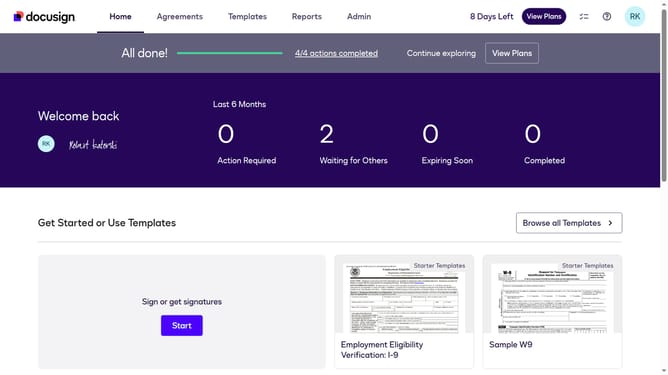
- First click on the "Templates" tab in the top navigation menu
- Then use the scroll bar to scroll to the right
- Next click on the three-dot menu button next to the template that you want to move
- Then select the "Move" option from the dropdown menu
- In the "Move to Folder" dialog, click your preferred folder to select it as the destination
- Finally click on the "Move" button to confirm moving the template to the selected folder
Why should you move a template in DocuSign
DocuSign is a leading digital transaction management platform designed to simplify electronic signing processes.
Moving a template in DocuSign is a feature that offers flexibility and organization within the platform. By easily relocating templates, users can ensure that their document workflow is streamlined, adaptive, and efficient.
This feature is particularly beneficial for businesses that handle large volumes of contracts and need to maintain a structured document management system. It enhances user efficiency by allowing quick access to the most frequently used or needed templates, improving productivity.
Last update